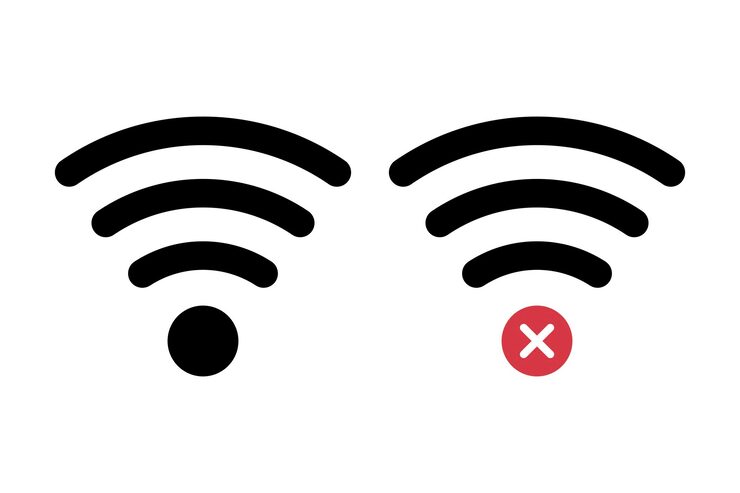
Few things feel more confusing than seeing full WiFi signal while nothing loads.
Apps stop working.
Videos buffer.
Websites refuse to open.
Users think:
“WiFi is connected… so why is internet not working?”
The answer is often more complicated than weak signal strength.
Connection status and actual internet access are different things.
Understanding that difference helps.
WiFi Signal Does Not Always Mean Internet Is Working
A device may remain connected to a router while broader internet access experiences problems.
Users see:
Strong signal
Connected icon
No browsing
This creates confusion.
Temporary Network Issues Happen More Often Than People Think
Internet systems involve multiple parts.
Examples:
Service provider
Router behaviour
Device settings
Background issues
Temporary interruptions happen.
Too Many Connected Devices Can Affect Experience
Interesting point:
Several devices sharing one network may influence performance.
Examples:
Streaming
Downloads
Updates
Gaming
Work meetings
Usage patterns vary.
Browser or App Problems Sometimes Look Like Internet Problems
One application loading slowly does not always prove internet failure.
Testing different apps sometimes helps identify patterns.
Restarting Devices Feels Basic—But Users Often Skip It
Simple actions sometimes help:
Restart router
Restart phone
Reconnect network
These steps seem obvious but get ignored.
Final Thoughts
“WiFi connected but no internet” feels frustrating because connection indicators appear normal.
The explanation often involves several small factors rather than one major issue.
Understanding this reduces confusion during troubleshooting.