
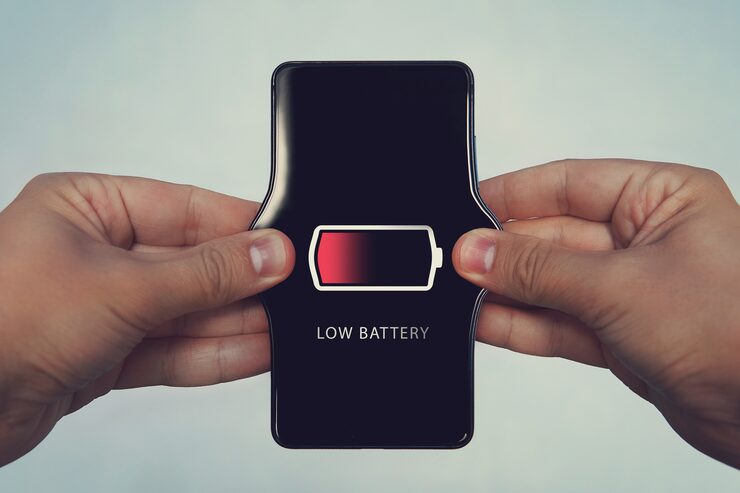
Many smartphone users experience something frustrating.
You charge your phone before sleeping.
Battery shows 90% or 100%.
You wake up in the morning—
Suddenly battery drops to 75%.
Sometimes even lower.
At first people think:
“My battery is damaged.”
Not always.
Phones continue working even when users believe nothing is happening.
Background apps, syncing processes, updates, location services, and notifications may remain active.
Understanding these factors helps more than immediately blaming battery age.
Why Phone Battery Drains Fast Even During Idle Time
Phones rarely become completely inactive.
In the background:
Apps refresh information
Cloud backups run
Notifications sync
Messages update
Location tracking continues
One activity alone may not consume much power.
Several together influence battery usage.
Background Apps Quietly Consume Battery
Many users install dozens of apps.
Examples:
Shopping apps
Games
Social platforms
Editing tools
Some continue operating behind the scenes.
This may affect battery performance over time.
Checking battery usage settings occasionally helps identify patterns.
Location Services Can Increase Battery Consumption
Maps and navigation apps genuinely need location access.
However, some apps may continue requesting location information more often than users expect.
Reviewing permissions may help.
High Screen Brightness Also Matters
Battery discussions often focus only on apps.
Brightness influences usage too.
Keeping extremely high brightness continuously may increase consumption.
Old Batteries Naturally Change Over Time
Interesting point:
Rechargeable batteries age gradually.
Usage patterns influence experience.
Ageing does not always mean immediate replacement is necessary.
Practical Habits That May Help
✔ Review background activity
✔ Check battery settings
✔ Update important apps
✔ Reduce unnecessary permissions
✔ Monitor brightness levels
Small habits often matter.
Final Thoughts
Phone battery drain during idle time feels frustrating because users expect devices to “rest.”
In reality, smartphones continue performing several tasks quietly.
Understanding those processes helps users manage expectations and identify habits influencing battery behaviour.


