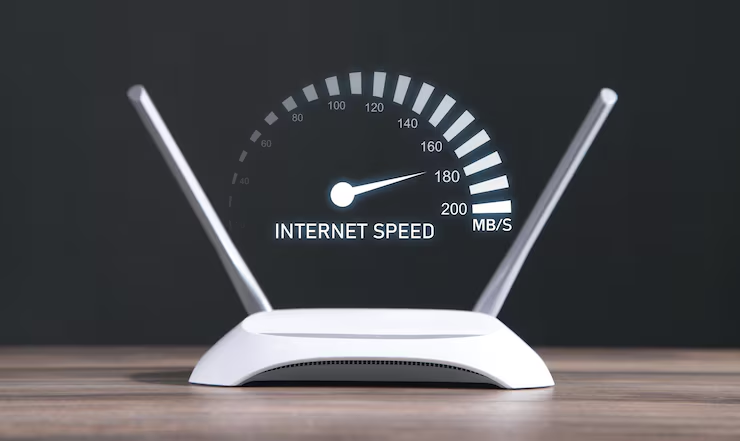
Slow internet is one of the most frustrating problems today. Whether you’re working, streaming, or gaming, poor speed can ruin your experience. But the good news is—you can fix most issues without spending a lot of money.
This guide will help you understand the real reasons behind slow internet and how to fix them step by step.
🌐 What Actually Affects Internet Speed?
Before fixing, you need to understand the cause.
Internet speed depends on:
- Router quality
- Placement
- Number of users
- Network interference
- Internet plan
👉 Fixing the right problem gives faster results.
🔹 1. Router Placement (Most Ignored Factor)
Many people place routers in corners or behind objects.
👉 This blocks signals.
Best placement:
- Center of your home
- Elevated position
- Away from walls
🔹 2. Restart Router (Simple but Powerful)
Restarting clears temporary bugs.
Best practice:
- Restart once a week
🔹 3. Choose the Right Band (2.4GHz vs 5GHz)
- 2.4GHz: Longer range, slower speed
- 5GHz: Faster speed, shorter range
👉 Use 5GHz for:
- Streaming
- Gaming
🔹 4. Limit Connected Devices
More devices = slower speed.
👉 Solution:
- Disconnect unused devices
- Use guest network
🔹 5. Upgrade Router (If Old)
Old routers can’t handle modern speed.
👉 If your router is 3–5 years old, consider upgrading.
🔹 6. Use WiFi Extender or Mesh System
For large homes:
- Use extender
- Or mesh WiFi
👉 Eliminates dead zones.
🔹 7. Secure Your Network
If your WiFi is open or weakly secured:
👉 Others can use your internet.
Fix:
- Strong password
- WPA3 security
🔹 8. Reduce Interference
Signals can be affected by:
- Microwaves
- Bluetooth devices
- Thick walls
👉 Keep router away from these.
🔹 9. Update Router Firmware
Firmware updates:
- Fix bugs
- Improve speed
- Enhance security
🔹 10. Use Ethernet for Maximum Performance
For best speed:
- Connect directly via LAN cable
👉 Ideal for:
- Gaming
- Office work
🔹 11. Check Internet Plan Speed
Sometimes the problem is not your setup—it’s your plan.
👉 Use speed test tools to verify.
🔹 12. Use Quality DNS
Switching DNS (like Google DNS) can improve browsing speed.
⚡ Pro Tips for Maximum Speed
- Turn off router at night occasionally
- Keep firmware updated
- Avoid cheap routers
- Use fewer background apps
🚀 Real-Life Example
If your internet is slow:
- Move router to center
- Switch to 5GHz
- Disconnect extra devices
👉 You can instantly see improvement.