Have you ever noticed that your phone felt incredibly fast when it was brand new, but after a year or two it started feeling slower? Apps take longer to open, switching between tasks isn’t as smooth, and sometimes even basic actions seem to lag. Many people assume smartphone companies intentionally slow down older devices, but the reality is usually more complicated.
Modern smartphones are powerful devices, but they also deal with an increasing workload over time. The phone you purchased a year ago is often running newer apps, larger updates, and more background services than it was on the day you bought it. All of these factors can contribute to performance changes.
Your Phone Has More Work to Do Than Before
When you first buy a smartphone, it typically contains only the essential apps and files. Everything feels clean and optimized.
Over time, however, most users install:
- Social media apps
- Shopping apps
- Banking apps
- Food delivery apps
- Games
- Productivity tools
Each application consumes storage, memory, and processing resources. Even if you don’t actively use some apps, many continue running background services.
As the number of installed apps increases, your phone must work harder to manage everything.
Software Updates Can Increase Requirements
Software updates are important because they improve security, fix bugs, and add new features.
However, newer software often expects more powerful hardware.
Think of it this way.
A phone released in 2023 may still receive updates in 2026, but those updates are often designed for newer devices too. While older phones remain compatible, they may not always run the latest features as efficiently.
This doesn’t necessarily mean updates are bad. In fact, updates are essential for security. It simply means software requirements tend to grow over time.
Storage Matters More Than People Realize
Many people focus on RAM and processors while ignoring storage.
As storage fills up, phones often become less responsive.
Large photo libraries, downloaded videos, cached files, screenshots, and app data can gradually consume available space.
A device with nearly full storage often struggles more than one with plenty of free space available.
Background Processes Never Stop
Your smartphone continues working even when you’re not actively using it.
Background activities may include:
- Email synchronization
- Cloud backups
- App updates
- Notification services
- Location tracking
- Security scanning
Each task uses resources.
One or two services are usually not a problem.
Dozens running simultaneously can affect overall performance.
Battery Aging Can Affect Performance
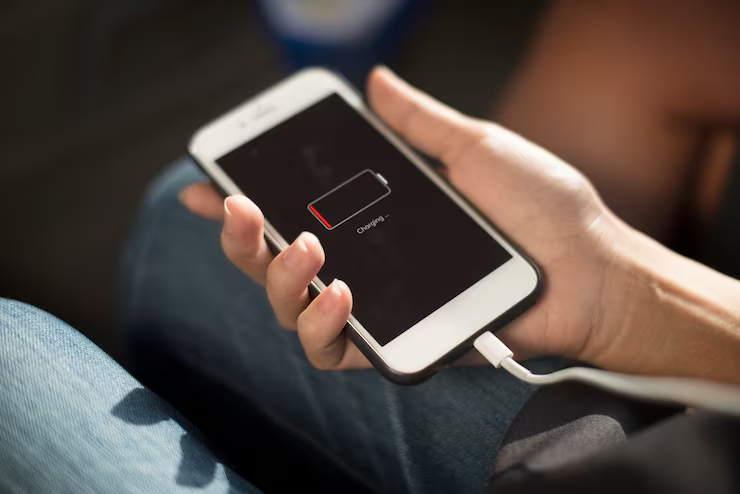
Every smartphone battery degrades naturally over time.
After hundreds of charging cycles, batteries become less efficient.
In some cases, devices may adjust performance to prevent unexpected shutdowns caused by aging batteries.
This can make phones feel slower even though the processor itself hasn’t changed.
User Habits Play a Role
Many people rarely restart their devices.
Others leave dozens of browser tabs open.
Some install apps they never use.
Small habits may seem insignificant individually, but together they can impact performance.
Signs Your Phone Is Slowing Down
Common indicators include:
- Longer app loading times
- Delayed keyboard responses
- Slower camera launches
- Increased lag while multitasking
- Reduced responsiveness
These symptoms often appear gradually, making them easy to overlook at first.
Final Thoughts
A slower phone doesn’t always mean something is broken.
Most performance changes happen because devices accumulate apps, files, updates, and background processes over time.
Understanding these factors helps users manage expectations and make smarter decisions about device maintenance and upgrades.