Modern smartphones store a huge amount of personal information, including photos, passwords, banking details, emails, and social media accounts. Because of this, hackers often target mobile devices through malicious apps, phishing attacks, and unsafe downloads.
If your phone behaves unusually, you may wonder whether it has been hacked. While unusual behavior doesn’t always mean hacking, certain warning signs should not be ignored.
This guide explains how to identify potential hacking signs and improve your device’s security.
Can Phones Really Be Hacked?
Yes. Smartphones can be compromised through:
- Malicious applications
- Fake websites
- Phishing messages
- Unsafe downloads
- Public WiFi attacks
Cybercriminals often target users who are unaware of basic security practices.
Warning Signs Your Phone May Be Hacked
Common indicators include:
- Unusual battery drain
- Device overheating
- Slow performance
- Random pop-ups
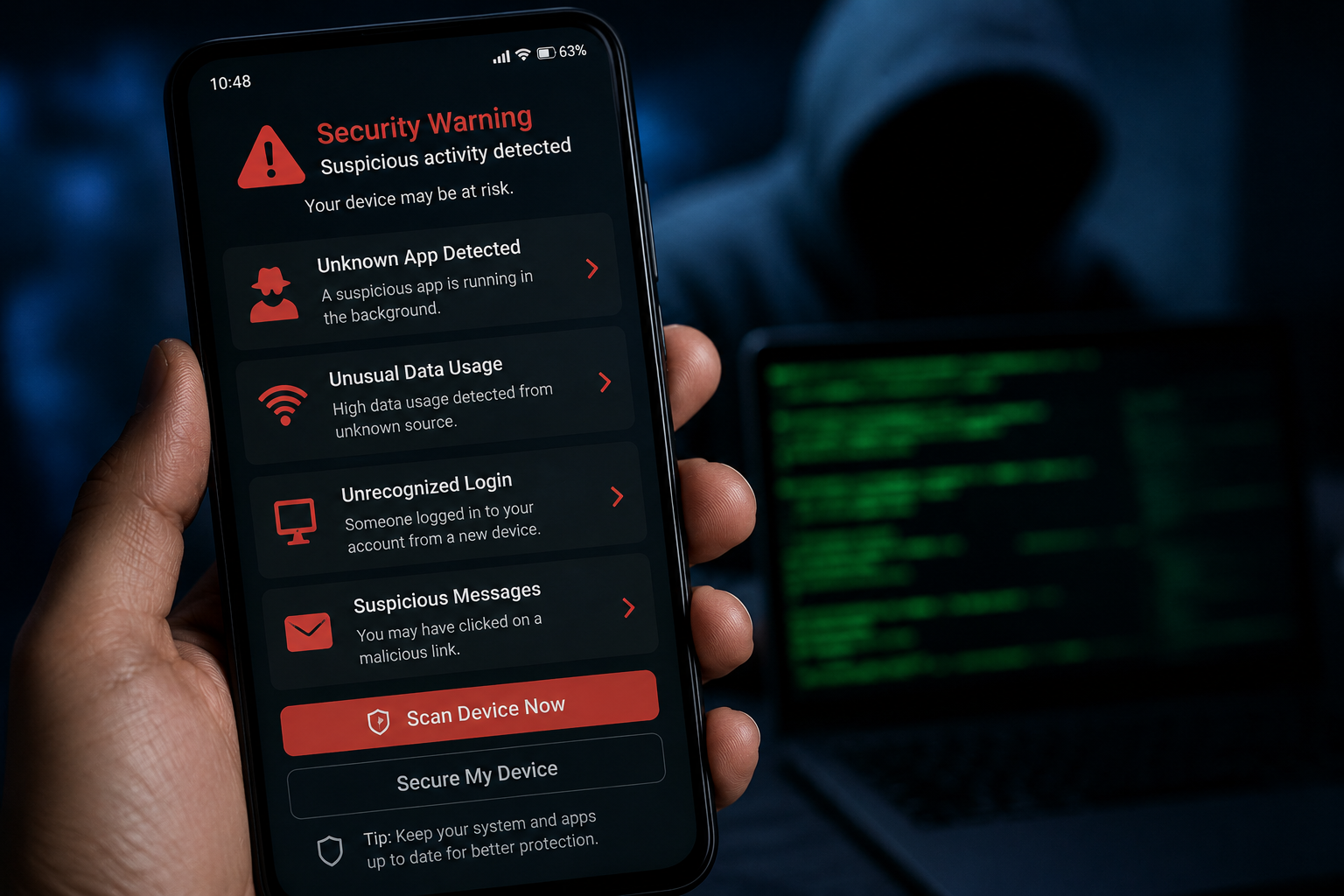
- Increased data usage
- Unknown applications
A single sign may not confirm hacking, but multiple signs deserve attention.
Battery Draining Faster Than Normal
Malicious software may run continuously in the background.
This can cause:
- Excessive battery consumption
- Increased device activity
- Reduced performance
Unexpected battery drain should be investigated.
Unusual Data Usage
Hackers may use internet connections to:
- Transfer information
- Display ads
- Communicate with servers
Sudden increases in mobile data usage may indicate suspicious activity.
Unknown Apps Appearing
Review installed applications regularly.
Be cautious if:
- Apps appear unexpectedly
- You don’t remember installing them
- They request excessive permissions
Remove suspicious apps immediately.
Excessive Pop-Ups and Ads
Frequent advertisements outside normal apps may indicate:
- Adware infections
- Malicious software
- Unsafe downloads
Legitimate devices generally do not display random pop-ups constantly.
Phone Overheating
Phones naturally become warm during gaming or charging.
However, unexplained overheating may result from:
- Background malware
- Unauthorized activity
- Excessive resource usage
Monitor device temperature regularly.
Review App Permissions
Some apps request access to:
- Camera
- Microphone
- Contacts
- Location
Only grant permissions that are genuinely necessary.
Keep Software Updated
Updates often include:
✔ Security patches
✔ Vulnerability fixes
✔ Improved protection
Keeping software updated is one of the simplest security measures.
Install Apps Carefully
To reduce risk:
✔ Download from trusted sources
✔ Read reviews
✔ Verify developers
✔ Avoid unknown APK files
Safe installation habits improve security.
What Should You Do If You Suspect Hacking?
Recommended steps:
- Remove suspicious apps.
- Change important passwords.
- Update device software.
- Run security scans.
- Review account activity.
Acting quickly can reduce potential damage.
Keeping Your Smartphone Secure
Phone hacking risks continue to grow as smartphones become more important in daily life. Recognizing warning signs, reviewing app permissions, and practicing safe browsing habits can help protect your device and personal information.
A proactive approach to mobile security is one of the best ways to stay safe online.