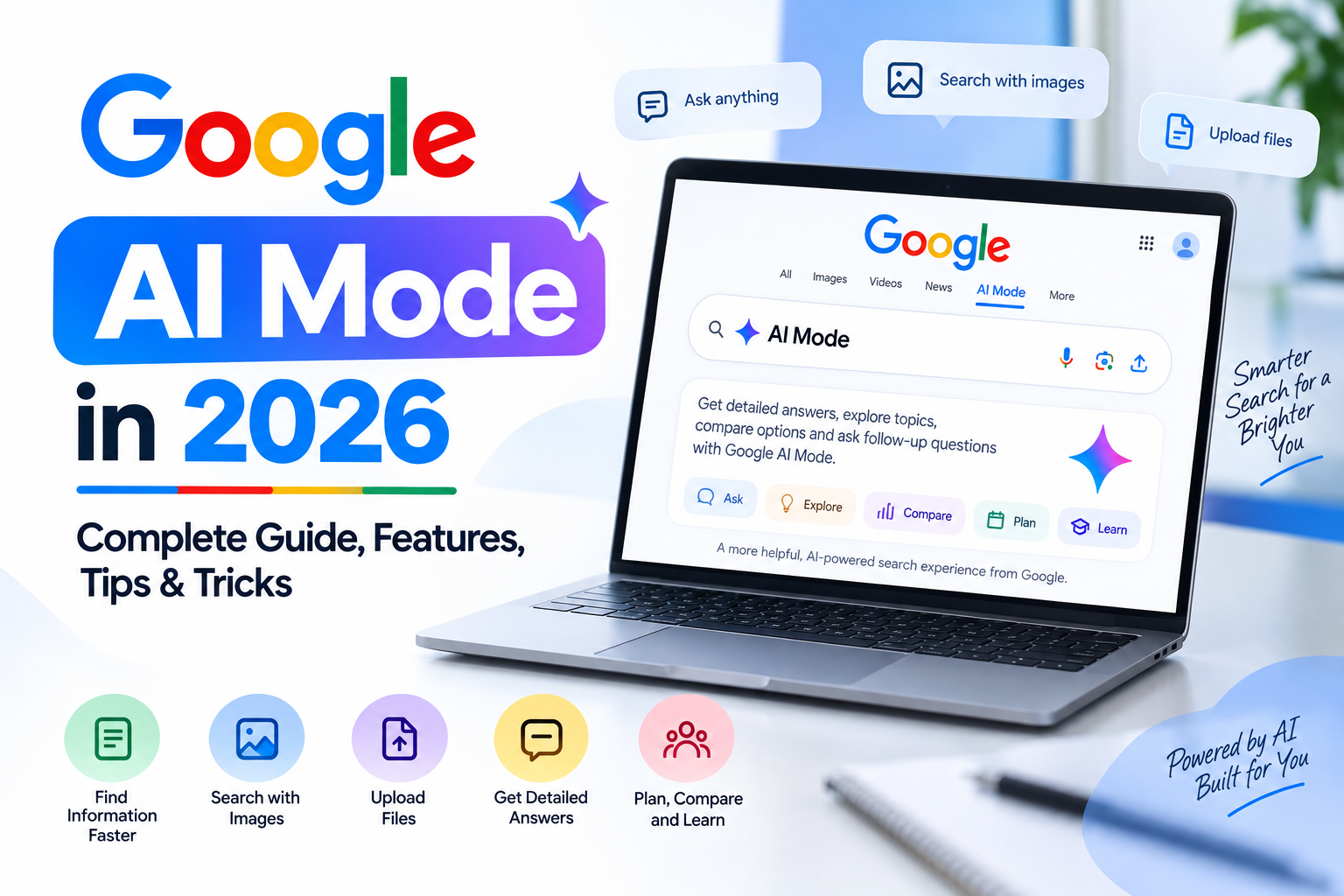
Google Search is changing quickly with the growth of AI-powered search. Instead of typing short keywords and opening several websites, users can now ask detailed questions and continue the conversation directly inside Google Search. One of the biggest parts of this change is Google AI Mode.
In 2026, AI Mode has become a much more advanced search experience, supporting text, voice, images and files. Google says AI Mode has surpassed one billion monthly users globally, while new features are being added to make Search more conversational and useful.
If you want to understand how to use Google AI Mode, what it can do, and how to get better results from it, this guide covers everything you need to know.
What Is Google AI Mode?
Google AI Mode is an AI-powered search experience that allows you to ask complex questions in a conversational way.
Instead of searching for several separate keywords, you can ask a complete question and then continue with follow-up questions. AI Mode can break a complicated query into smaller topics, search multiple sources and combine the information into a detailed response. Google refers to this process as query fan-out.
For example, instead of searching:
Best laptops under ₹70,000
You could ask:
Which laptops under ₹70,000 are best for video editing, have good battery life and are available in India?
You can then ask:
Which one has the best display?
The conversation can continue without starting a completely new search.
How to Access Google AI Mode
There are several ways to access AI Mode.
You can visit Google AI Mode directly. You can also search normally on Google and select AI Mode when the option appears. On supported devices, AI Mode is also available through the Google app.
The exact interface can vary depending on your country, language, device and the features currently available to your Google account.
How to Use Google AI Mode
Using AI Mode is simple, but the quality of your prompt can make a big difference.
1. Ask a Detailed Question
Start by explaining exactly what you want to know.
For example:
Explain how to start a blog in 2026 with a small budget. Include hosting, domain, SEO and content ideas.
A detailed question gives AI Mode more context about your goal.
2. Ask Follow-Up Questions
One of the biggest advantages of AI Mode is that you don’t have to repeat the entire question.
After getting an answer, you can ask:
Which option is best for beginners?
Then:
Give me a step-by-step setup process.
AI Mode maintains the context of the conversation, making research more natural.
3. Use Voice Search
AI Mode can also be used with voice input on supported devices.
This can be useful when you want to ask longer questions without typing. Simply use the microphone option and speak your question.
4. Search Using Images
AI Mode supports multimodal searches, meaning you can use images along with your questions.
For example, you could upload an image of a product and ask:
What is this product used for?
Or upload a screenshot and ask:
Explain what this error means.
Google’s AI Search supports image-based questions as part of its multimodal experience.
5. Upload Files
AI Mode can also work with supported files, including PDFs and other files.
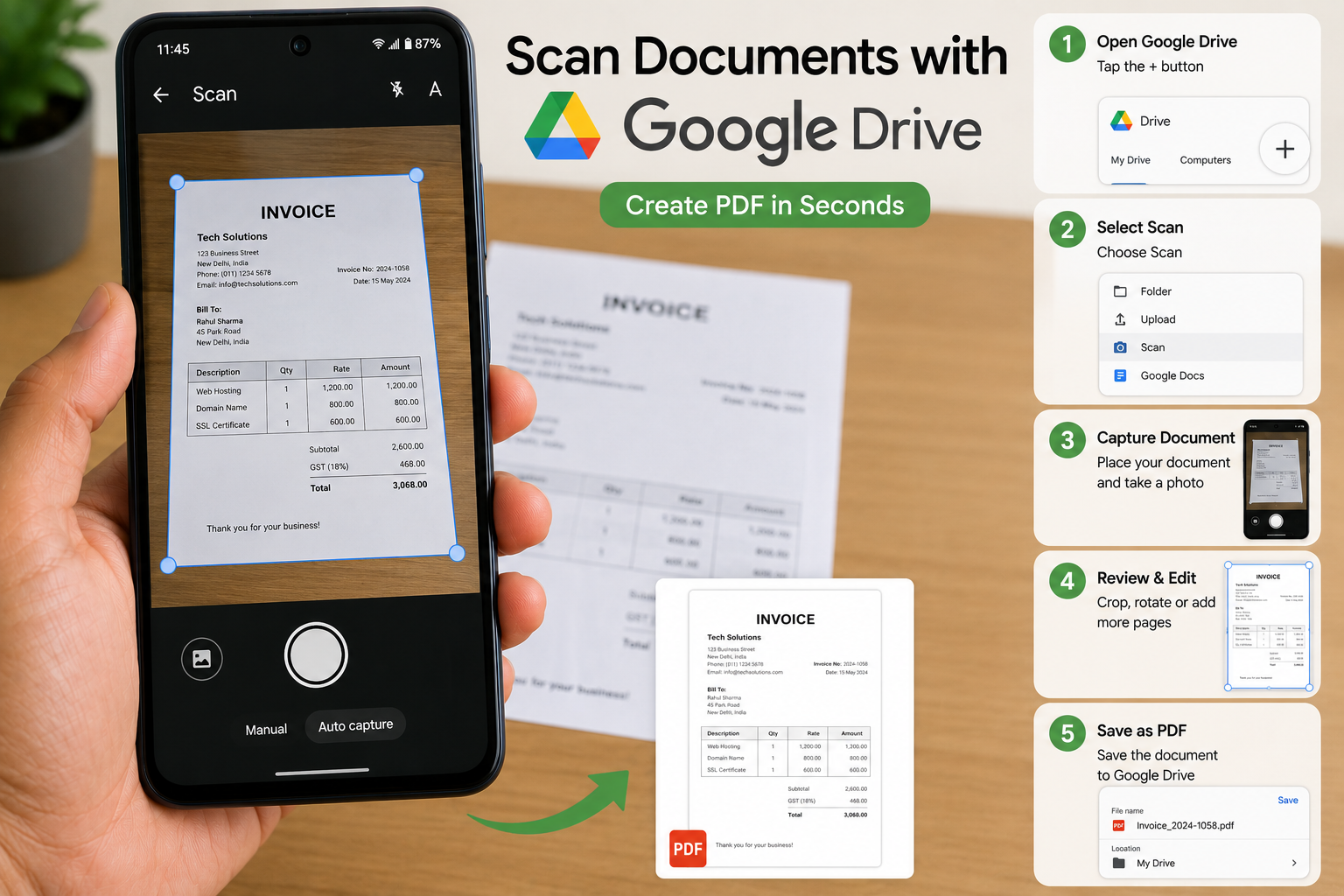
You can upload a document and ask questions about its contents instead of manually searching through the entire file. Google says users can upload local files and Drive files through AI Mode.
Google AI Mode vs Traditional Google Search
Traditional Google Search mainly provides a list of webpages, while AI Mode is designed for more conversational and complex searches.
| Feature | Traditional Search | Google AI Mode |
|---|---|---|
| Keyword search | Yes | Yes |
| Detailed questions | Limited | Yes |
| Follow-up questions | Limited | Yes |
| AI-generated responses | Limited | Yes |
| Voice input | Yes | Yes |
| Image-based questions | Yes | Yes |
| File-based questions | Limited | Yes |
| Multi-step research | Manual | AI-assisted |
AI Mode doesn’t completely replace traditional search. Google still provides links to web content so users can explore sources and verify information.
Google AI Mode Features in 2026
Google has continued expanding AI Mode with several new capabilities.
Multimodal Search
You can combine different types of information, including text, images and files, when searching.
This makes AI Mode useful for situations where a simple keyword isn’t enough.
Deep Research
AI-powered research can help users investigate complicated topics more efficiently. Google’s AI Search developments include deeper research capabilities designed to search across multiple sources and produce detailed, cited information.
AI Mode in Chrome
Google has also expanded AI Mode into Chrome, making it easier to interact with AI while browsing without constantly switching between tabs.
Personalized Search
Google is also developing Personal Intelligence in AI Mode, allowing eligible users to receive more personalized responses based on connected Google information and search activity. Availability and eligibility can vary.
AI-Powered Search Box
Google announced a redesigned Search experience that allows users to interact with Search using text, images, files, videos and Chrome tabs. The goal is to make it easier to describe what you want instead of relying only on traditional keywords.
Best Google AI Mode Prompts
If you want better results, avoid extremely short prompts.
Here are some useful examples:
For learning:
Explain digital marketing to me like a beginner and give me five practical examples.
For research:
Compare the advantages and disadvantages of electric cars and petrol cars in 2026.
For travel planning:
Create a 5-day travel plan for a budget trip to Rajasthan with places to visit, travel time and estimated daily expenses.
For content creation:
Give me 10 blog topic ideas about AI tools with high search potential and explain the search intent behind each topic.
For comparison:
Compare these three smartphones based on camera, battery, performance and value for money.
For documents:
Analyze this PDF and summarize the most important points in simple language.
Tips to Get Better Results From Google AI Mode
Be Specific
Instead of asking:
Tell me about SEO.
Ask:
Explain the most important on-page SEO techniques for a new website in 2026.
Give Context
Tell AI Mode who you are or what you’re trying to achieve.
For example:
I run a small technology blog and want to increase organic traffic. Give me a practical SEO content strategy.
Ask for a Specific Format
You can ask for:
- Tables
- Step-by-step instructions
- Comparisons
- Bullet points
- Checklists
- Examples
- Summaries
For example:
Compare these options in a simple table with price, features, advantages and disadvantages.
Use Follow-Up Questions
Don’t try to include everything in one prompt. Start with the main question and then use follow-up questions to go deeper.
Verify Important Information
AI Mode can make mistakes or misunderstand information. Google itself recommends checking important information across multiple sources and using the links provided with AI responses.
For important topics such as financial, legal, medical or technical decisions, always verify information through reliable primary sources.
Can Google AI Mode Replace Normal Google Search?
Not completely.
Traditional Google Search remains useful when you already know what website, product, source or information you are looking for.
AI Mode is more useful when:
- Your question is complicated
- You need to compare multiple options
- You want to research a topic
- You have follow-up questions
- You want to understand an image or document
- You need help organizing information
In many cases, the best approach is to use both. Start with AI Mode for exploration and then open the original websites and sources for verification.
Google AI Mode for Students
Students can use AI Mode for learning, research and understanding difficult concepts.
For example, instead of asking:
What is photosynthesis?
You can ask:
Explain photosynthesis in simple language for a Class 8 student, then give me a short example and five practice questions.
You can also upload supported study material and ask questions about the content.
For more AI-related tools and practical tips, you can also explore our guide on How to Use Google Gemini AI in 2026.
Google AI Mode for Bloggers and Content Creators
AI Mode can also be useful for bloggers and content creators.
You can use it to:
- Research a topic
- Find questions people may ask
- Compare products
- Understand search intent
- Generate content outlines
- Find different perspectives
- Improve topic research
However, AI-generated information should not simply be copied and published. Bloggers should verify facts, add original insights and create useful content for readers.
Google has also introduced new resources and controls for website owners as AI Search continues to evolve.
Is Google AI Mode Free?
Access and features can vary by country, account and rollout stage. Google provides AI Mode through Search, while some advanced or experimental capabilities may have specific availability requirements.
Because Google continues to update AI Search, the features available to you may not be exactly the same as those available to another user.
Frequently Asked Questions
What is Google AI Mode?
Google AI Mode is an AI-powered Search experience that lets users ask complex questions, receive AI-generated responses and continue with follow-up questions.
How do I open Google AI Mode?
You can access it through Google AI Mode or select AI Mode from Google Search when the option is available.
Can Google AI Mode search images?
Yes. AI Mode supports image-based questions, allowing users to upload or capture images and ask questions about them.
Can I upload a PDF to Google AI Mode?
Google’s current AI Mode documentation says users can upload supported files, including PDFs and Drive files, and ask questions about them.
Is Google AI Mode better than normal Search?
It depends on the task. AI Mode is particularly useful for complex research and conversational questions, while traditional Search remains useful for quickly finding specific websites, sources and information.
Can I trust every answer from Google AI Mode?
No. AI-generated responses can contain mistakes. Important information should always be checked against the linked sources and other reliable sources.
Final Thoughts
Google AI Mode is turning Search into a more conversational and interactive experience. Instead of performing several separate searches, users can ask detailed questions, upload images or files, ask follow-ups and explore information from multiple sources.
With features such as multimodal search, deeper research capabilities, AI-powered Search experiences and continued integration with Google’s products, AI Mode is becoming an important part of how people find information online.
The best way to use it is not simply to ask short questions. Give it context, explain your goal, use follow-up questions and always verify important information before relying on the answer.
As Google continues to expand AI-powered Search, learning how to use tools like AI Mode effectively can make everyday research, learning and online work much faster.