
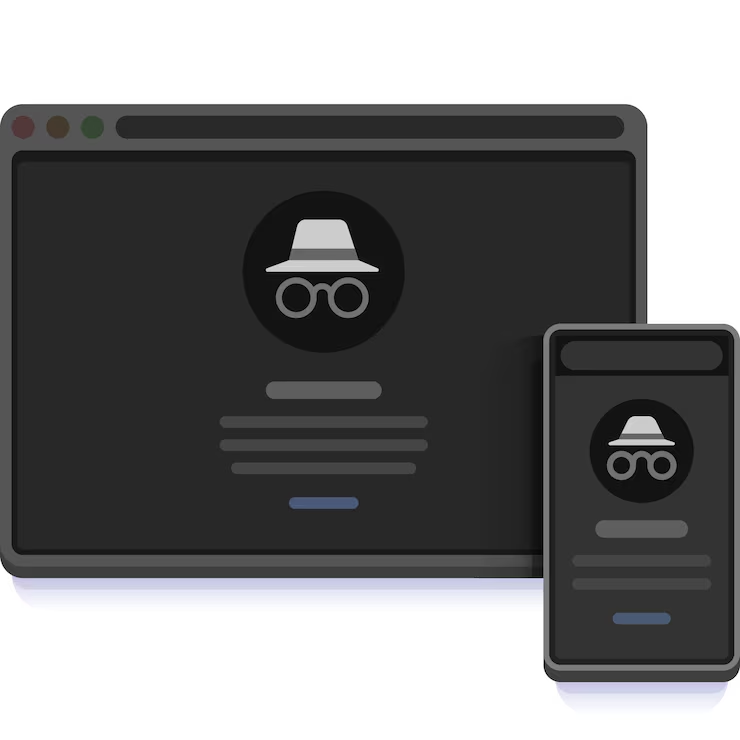
Many internet users have opened a browser and seen an option called:
Incognito Mode
or
Private Browsing
For some people, it feels mysterious.
Others assume it makes browsing completely invisible.
Questions often appear:
“Can websites still see me?”
“Does Incognito hide everything?”
“Am I fully private while using it?”
There are many misunderstandings around this feature.
The reality is simpler.
Incognito mode changes certain things—but not everything.
Understanding the difference matters.
What Incognito Mode Actually Does
In simple language:
Incognito mode generally reduces local browsing traces on the device after the session ends.
Examples may include:
Browsing history
Cookies from that session
Temporary information
This means other people using the same device later may not easily see those browsing records.
That is one practical use.
What Incognito Mode Does NOT Automatically Hide
This surprises many users.
Incognito mode does not automatically make someone invisible online.
Internet providers, websites, workplaces, schools, or network administrators may still have visibility depending on situations.
The feature has limits.
Understanding those limits matters more than assuming complete privacy.
Why People Commonly Use Incognito Mode
Users often choose it for practical reasons:
Logging into multiple accounts
Testing websites
Temporary browsing
Reducing stored session information
Convenience explains much of its usage.
Incognito Is About Reduced Local Tracking — Not Complete Anonymity
This distinction matters.
People sometimes confuse:
Private browsing
Anonymous browsing
They are not identical ideas.
Why Misunderstandings Continue
The name “Incognito” sounds powerful.
It creates impressions of invisibility.
Actual functionality is more specific.
This gap between expectation and reality creates confusion.
Final Thoughts
Incognito mode remains useful for certain situations.
But expecting total privacy may lead to misunderstanding.
Knowing what tools do—and what they do not do—helps users browse with more realistic expectations.
Awareness often matters more than assumptions.


