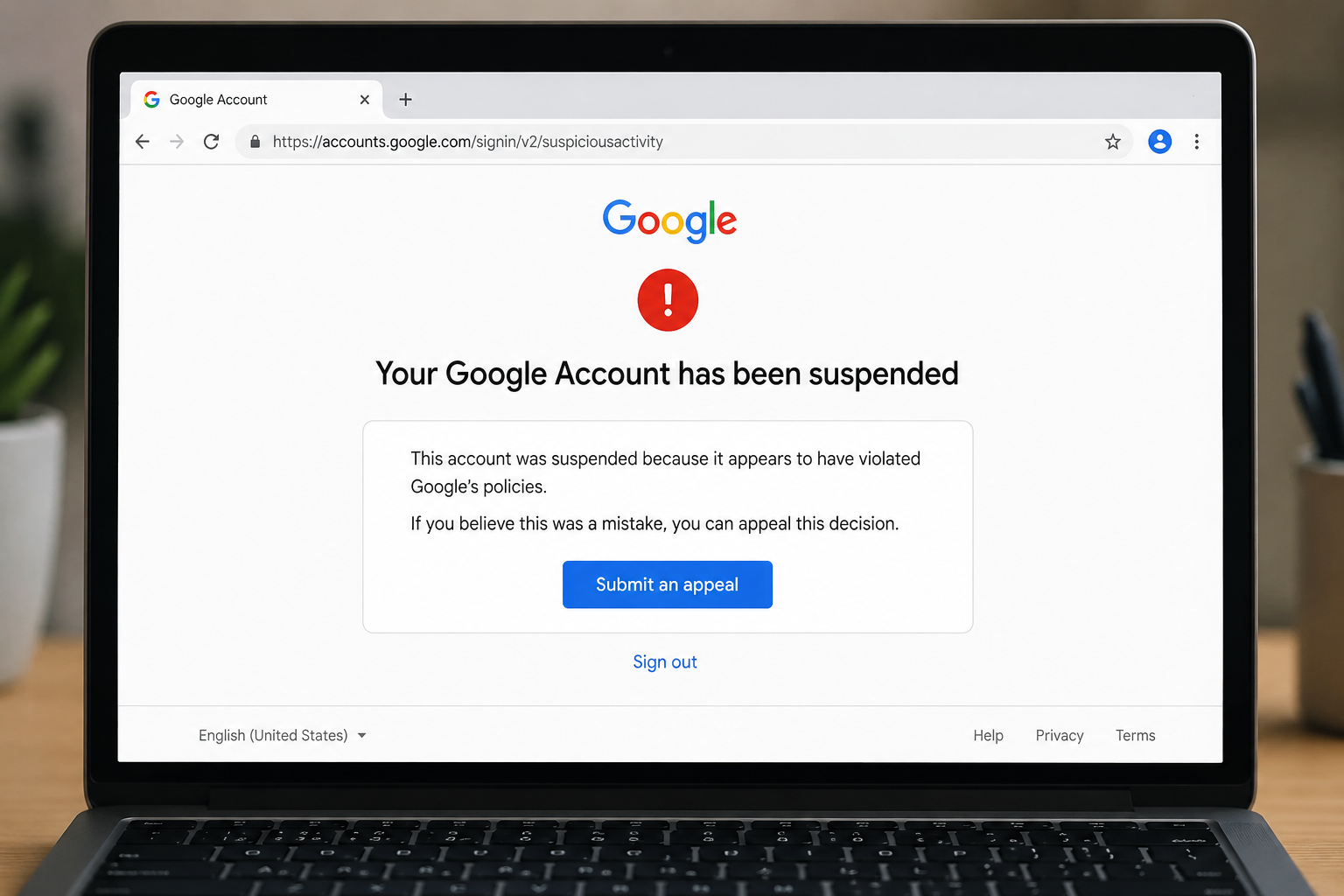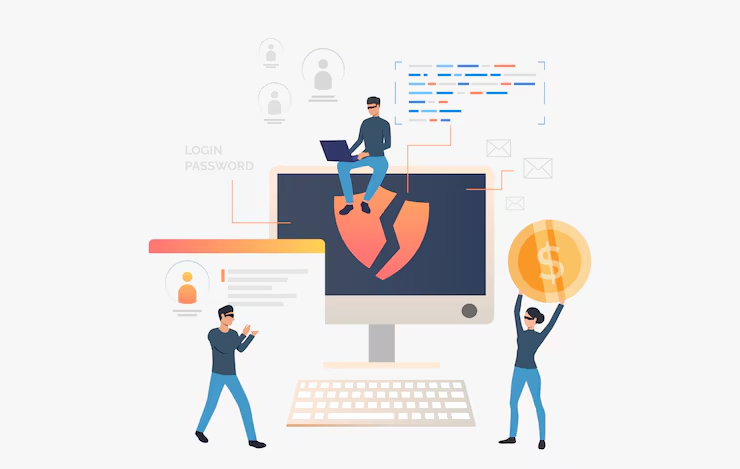
The internet has made life easier—but it has also opened doors for scammers. Today, fake websites look almost identical to real ones, making it difficult for users to पहचान the difference. From online shopping frauds to phishing attacks, millions of users lose money and personal data every year.
If you use the internet for shopping, banking, or even browsing, understanding how to identify fake websites is no longer optional—it’s essential.
⚠️ What is a Fake Website?
A fake website is a fraudulent site designed to:
- Steal your personal information
- Trick you into making payments
- Install malware on your device
These websites often copy popular brands, banking pages, or e-commerce platforms to look trustworthy.
🚨 Why Online Scams Are Increasing in 2026
Scammers are now using advanced tools like:
- AI-generated websites
- Fake payment gateways
- Deepfake ads and videos
- Social engineering techniques
This makes scams more realistic and harder to detect.
🔍 Top Signs of Fake Websites (Must Know)
🔒 1. No HTTPS or Security Lock
Always check the website URL:
- Secure sites start with https://
- Look for a lock icon in the browser
👉 No HTTPS = High Risk
🌐 2. Suspicious Domain Name
Fake websites often use:
- Misspelled names (amaz0n.com instead of amazon.com)
- Extra words (flipkart-offer123.com)
👉 Always double-check spelling carefully.
💰 3. Unrealistic Offers & Discounts
If a deal looks too good to be true, it probably is.
Examples:
- 90% discount on expensive products
- “Limited offer—buy now” pressure
📝 4. Poor Content & Grammar
Fake websites often have:
- Spelling mistakes
- Broken sentences
- Low-quality images
Legit websites maintain professional content.
📧 5. Missing Contact Information
A genuine website always provides:
- Contact number
- Email address
- Physical address
👉 No contact details = red flag 🚩
🛒 6. Only Prepaid Payment Option
Scam websites often force you to:
- Pay in advance
- Avoid Cash on Delivery (COD)
⭐ 7. No Reviews or Fake Reviews
Check reviews carefully:
- Too many 5-star reviews = suspicious
- No reviews at all = risky
🎨 8. Poor Website Design
Fake websites may have:
- Broken links
- Unresponsive buttons
- Cheap design
🛡️ Advanced Ways to Verify a Website (Pro Level Tips)
🔍 1. Check Domain Age
Use online tools to see when the website was created.
👉 New websites (few days old) are often scams.
🌐 2. Search Website on Google
Type:
👉 “Website name + scam”
Check if others have reported issues.
📊 3. Use Website Checker Tools
Tools like:
- Google Safe Browsing
- VirusTotal
These tools help identify malicious websites.
📧 4. Verify Email Authenticity
Fake emails often have:
- Random characters
- Free email domains
🔐 5. Check Payment Gateway
Secure websites use trusted payment gateways.
Avoid unknown payment links.
📱 Common Types of Online Scams
🎣 1. Phishing Scams
Fake emails or messages that look real.
🛍️ 2. Fake Shopping Websites
Offer huge discounts to attract buyers.
💼 3. Job Scams
Ask for money in exchange for job offers.
💳 4. Banking & OTP Scams
Fraudsters try to get your OTP or bank details.
🎁 5. Giveaway Scams
“Congratulations! You won a prize” — usually fake.
🚫 Big Mistakes People Make
- Clicking unknown links
- Sharing OTP or passwords
- Trusting ads blindly
- Ignoring warning signs
- Not checking website details
💡 How to Stay Safe Online (Practical Tips)
🔐 1. Use Strong Passwords
Create unique passwords for each account.
🔒 2. Enable Two-Factor Authentication (2FA)
Adds an extra layer of security.
📵 3. Avoid Public Wi-Fi for Payments
Public networks are not secure.
🧠 4. Think Before You Click
Always verify before trusting.
🛡️ 5. Use Antivirus & Security Apps
Protect your device from malware.
☁️ 6. Backup Important Data
In case of attack, you won’t lose everything.
🔮 Future of Online Scams (2026 & Beyond)
Scams are becoming smarter with technology:
- AI-generated fake websites
- Deepfake video scams
- Voice cloning frauds
👉 This means awareness is your best defense.
📌 Golden Rule to Remember
👉 “If something feels too good to be true, it probably is.”