Today, people use websites for almost everything—shopping, banking, learning, downloading files, and even storing personal information. Because of this, fake or unsafe websites have also increased.
Sometimes a website looks professional but may still be risky.
Entering passwords, OTPs, card details, or personal information on an unsafe website can lead to serious problems.
The good thing is that you do not need advanced technical knowledge to identify some warning signs.
A few simple checks may help you stay safer online.
Why Unsafe Websites Are a Problem
Unsafe websites may try to:
- Steal login credentials
- Collect payment information
- Spread malware
- Show fake offers
- Copy popular websites
Not every suspicious website looks obviously fake.
That is why awareness matters.
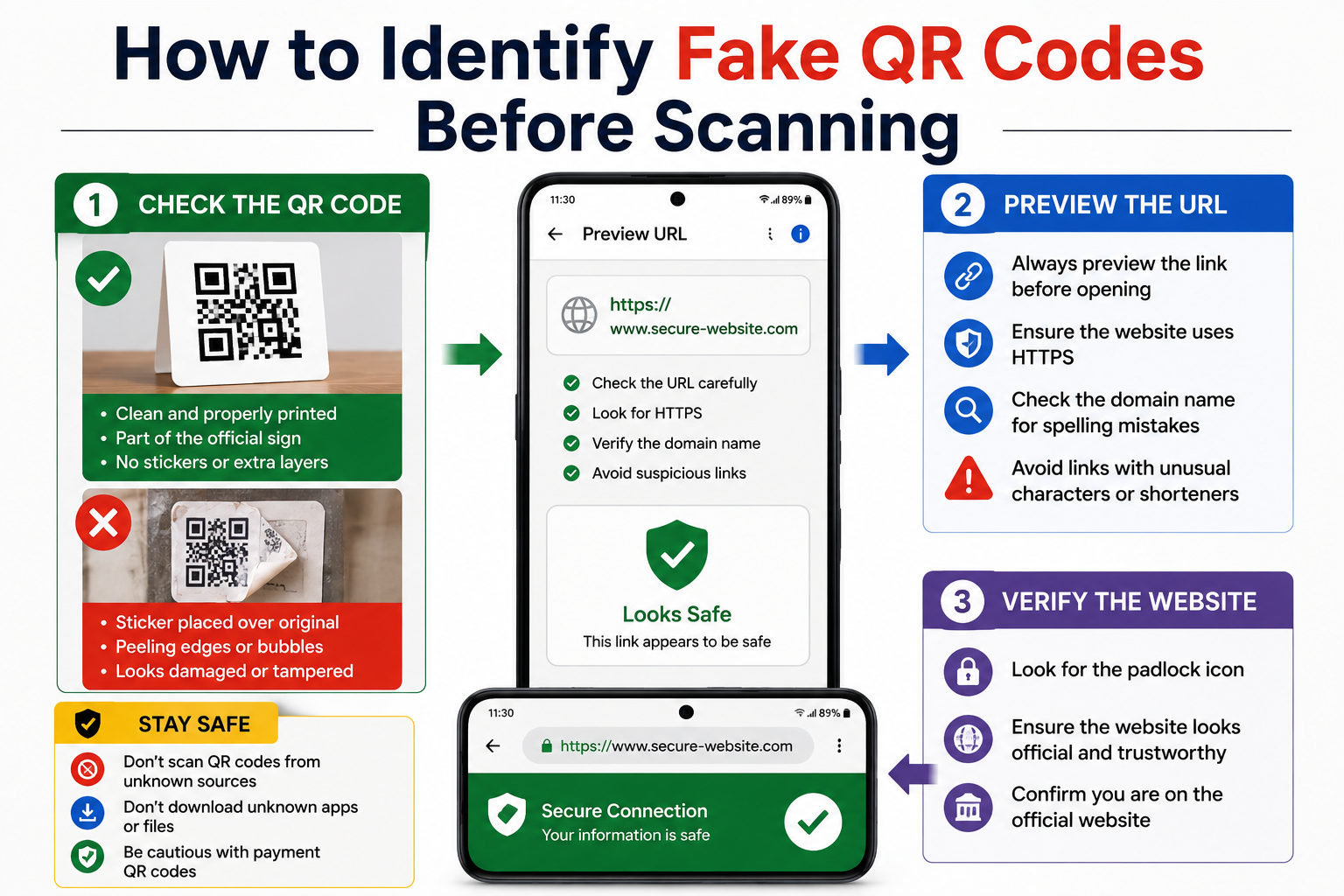
Check Whether the Website Uses HTTPS
Look at the address bar.
Safe websites often begin with:
https://
instead of:
http://
The extra S stands for secure communication.
This does not guarantee a website is trustworthy, but it is usually better than unsecured connections.
Look Carefully at the Domain Name
Scam websites sometimes copy famous brands.
Example:
Original:
example.com
Fake:
examp1e.com
Small spelling changes can confuse users.
Always read website names carefully.
Watch for Too Many Popups and Urgent Messages
Examples:
“Your device is infected!”
“Claim reward immediately!”
“Update payment now!”
Extreme urgency is sometimes used to pressure users.
Be cautious.
Poor Design Does Not Always Mean Scam — But Repeated Mistakes Can Be Warning Signs
Check for:
- Broken pages
- Strange formatting
- Too many grammar mistakes
- Missing contact information
Multiple issues together may deserve attention.
Search for Reviews Before Trusting Unknown Websites
Before buying or registering:
Search:
Website name + reviews
User experiences may provide useful clues.
Avoid Downloading Unknown Files
Downloads from unknown websites can be risky.
Be careful with:
- APK files
- Software downloads
- Suspicious attachments
Practical Tips to Stay Safer Online
Follow these habits:
✔ Double-check website addresses
✔ Avoid sharing sensitive information quickly
✔ Use strong passwords
✔ Enable two-factor authentication when available
✔ Stay cautious with unexpected links
Final Thoughts
Unsafe websites do not always look suspicious.
Sometimes they appear normal.
Taking a few extra seconds to verify a website may help avoid larger problems later.
Online safety often comes from habits rather than technical expertise.