Skip to content
needtricks_logo

Need Tricks

Technology Tips and Tricks

  • Home
  • Internet
    • Ad Networks
      • Internet Browser
        • Firefox
        • Opera
        • Safari
      • Internet Explorer
    • Content
      • Chrome
    • Analytics
  • Computer
    • Desktop
    • Laptop
  • General
    • Household
  • Social Networks
    • Facebook
    • Google Plus
    • Twitter
    • Youtube
  • Operating System
    • Apple
    • Android
    • Windows
    • Bada
    • Blackberry
  • Technology
  • Home
  • Learn a Skill
  • How to Book Tatkal Tickets on IRCTC Easy Step-by-Step Guide

How to Book Tatkal Tickets on IRCTC Easy Step-by-Step Guide

Need Tricks
How to Book Tatkal Tickets on IRCTC Easy Step-by-Step Guide

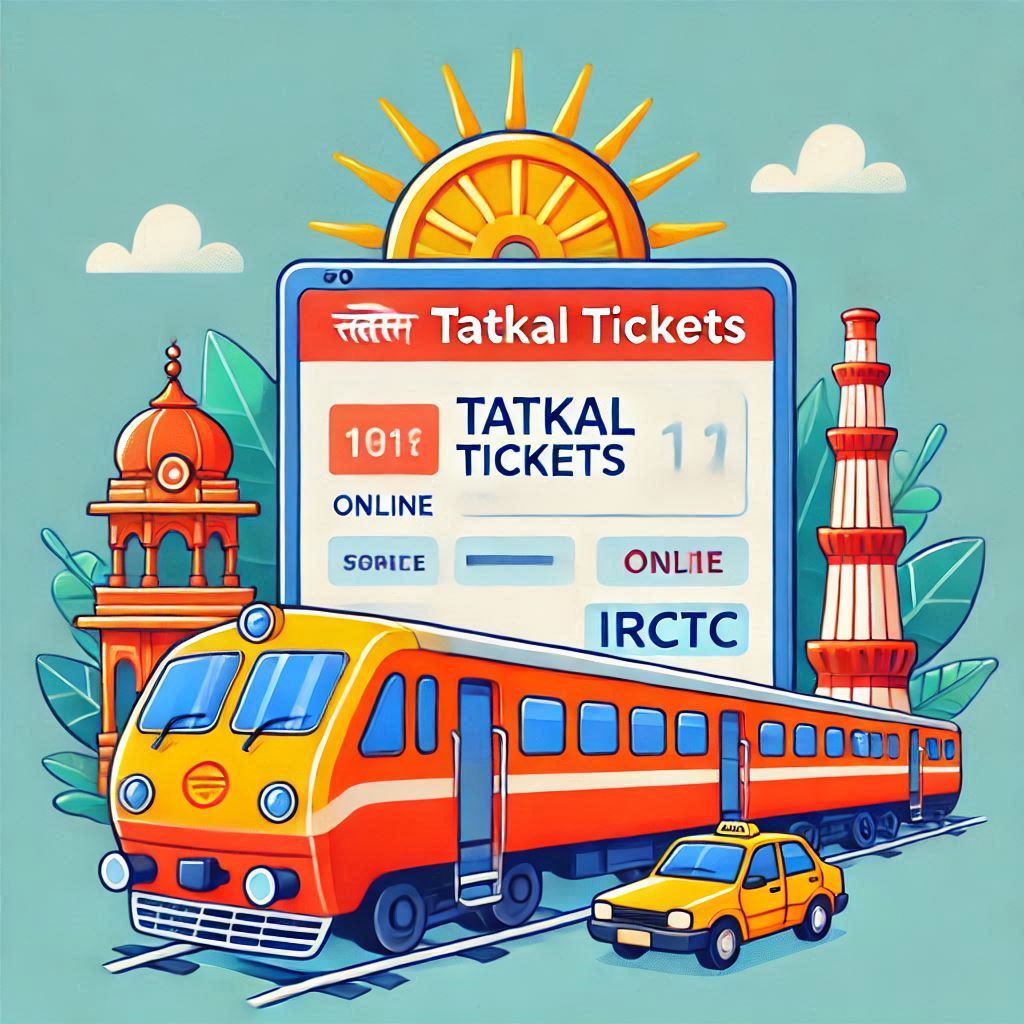
How to Book Tatkal Tickets on IRCTC Easy Step-by-Step Guide. Booking Tatkal tickets on the IRCTC platform can feel daunting due to the high demand and limited availability. But with the right preparation and a step-by-step guide, you can secure your tickets quickly and efficiently. In this article, we’ll explain how to book Tatkal tickets online using both the IRCTC website and app.

How to Book Tatkal Tickets on IRCTC Easy Step-by-Step Guide

What Is Tatkal Ticket Booking?

  • Purpose: Tatkal tickets are for passengers who need to travel on short notice.
  • Availability: Booking opens one day before the journey date at 10:00 AM for AC classes and 11:00 AM for non-AC classes.
  • Higher Charges: Tatkal tickets have slightly higher charges than regular tickets.

Steps to Book Tatkal Tickets Online

1. Preparation Before Booking

  • Create an IRCTC Account: Ensure you have an active account on the IRCTC portal.
  • Keep Details Handy: Have passenger details like name, age, gender, and ID ready.
  • Fast Internet Connection: A stable and fast connection is crucial during booking.
  • Plan Your Route: Decide your train, class, and preferred boarding point in advance.

2. Booking on the IRCTC Website

  1. Login to IRCTC
    • Visit IRCTC’s official website.
    • Enter your username and password to log in.
  2. Search for Trains
    • Enter the source and destination stations.
    • Choose the journey date and click on “Find Trains.”
  3. Select Tatkal Quota
    • Once the train list appears, select “Tatkal” from the quota dropdown.
    • Review train availability and fare details.
  4. Choose a Train and Class
    • Select a suitable train and class (AC, Sleeper, etc.).
    • Click on “Book Now” for the desired train.
  5. Enter Passenger Details
    • Fill in the names, ages, and gender of all passengers.
    • Choose the ID proof type (e.g., Aadhaar, PAN card) and provide the number.
  6. Proceed to Payment
    • Choose a payment method (Net Banking, UPI, credit/debit card, or wallet).
    • Complete the transaction quickly to secure your booking.
  7. Booking Confirmation
    • Once the payment is successful, you’ll receive a confirmation with the PNR number.
    • Save or print the e-ticket for your journey.

3. Booking on the IRCTC App

  1. Download the IRCTC App
    • Install the “IRCTC Rail Connect” app from the Google Play Store or Apple App Store.
  2. Log In
    • Open the app and log in with your credentials.
  3. Search and Select Train
    • Enter source, destination, and journey date.
    • Choose “Tatkal” from the quota options.
  4. Select Train and Class
    • Review train options and select the preferred class.
    • Tap “Book Now.”
  5. Fill Passenger Information
    • Provide the required details for all passengers.
    • Add ID proof details.
  6. Make Payment
    • Choose a payment method and complete the transaction.
  7. Receive Ticket Confirmation
    • Check your email or SMS for the ticket confirmation.

Important Tips for Tatkal Booking

  • Login Early: Log in 5–10 minutes before the booking window opens.
  • AutoFill Tools: Use AutoFill extensions to save time during passenger detail entry.
  • Quick Payment: Opt for faster payment methods like UPI or wallets.
  • Retry Option: If the session expires, quickly retry to avoid losing time.

Rules and Policies for Tatkal Tickets

  • Refunds: No refunds are provided for confirmed Tatkal tickets in case of cancellation.
  • Partial Confirmations: Partially confirmed tickets allow passengers to travel.
  • ID Proof: Carry the same ID used during booking while traveling.
  • Booking Limits: Maximum of 4 passengers per Tatkal ticket.

Common Issues and Solutions

  1. Slow Internet: Use a high-speed connection to avoid timeouts.
  2. Payment Failures: Retry quickly or switch to another payment method.
  3. Website Crashes: Try booking through the app if the website is slow.
  4. Session Timeout: Keep refreshing the page if inactive for long periods.

Also Read – Protect Your Business Combat Instagram Impersonation Scams

Conclusion

Booking a Tatkal ticket on IRCTC can be seamless with the right approach. By following the steps and tips mentioned, you can improve your chances of securing tickets for urgent travel. Whether using the website or app, preparation is key to a hassle-free experience.


Call to Action
Try these steps today for your next Tatkal ticket booking! Share this guide with friends and family to help them master the process too.
Share this:

  • Email a link to a friend (Opens in new window) Email
  • Share on Facebook (Opens in new window) Facebook
  • Share on Tumblr (Opens in new window) Tumblr
  • Print (Opens in new window) Print
  • Share on LinkedIn (Opens in new window) LinkedIn
  • Share on Reddit (Opens in new window) Reddit
  • Share on X (Opens in new window) X
  • Share on WhatsApp (Opens in new window) WhatsApp
  • Share on Pinterest (Opens in new window) Pinterest

Like this:

Like Loading…

Related

GadgetinternetLearn a SkillNetworkingTechnology
Tagged How to book Tatkal ticket automatically, How to book tatkal ticket in IRCTC app, How to book tatkal ticket online very fast, IRCTC login, IRCTC Tatkal Automation Tool, IRCTC Tatkal booking, IRCTC Tatkal booking time, Train Tatkal ticket booking time

Post navigation

⟵ Top Excel Tips and Tricks Boost Productivity and Simplify Tasks
9 Amazing Benefits of Almonds Backed by Science ⟶

Related Posts

Redmi Note 14 Pro+
Redmi Note 14 Pro+ 5G vs OnePlus Nord 4 A Detailed Comparison of Features

Redmi Note 14 Pro+ 5G vs OnePlus Nord 4: A Detailed Comparison of Features, Specs, and Prices. If you’re looking…

Share this:

  • Email a link to a friend (Opens in new window) Email
  • Share on Facebook (Opens in new window) Facebook
  • Share on Tumblr (Opens in new window) Tumblr
  • Print (Opens in new window) Print
  • Share on LinkedIn (Opens in new window) LinkedIn
  • Share on Reddit (Opens in new window) Reddit
  • Share on X (Opens in new window) X
  • Share on WhatsApp (Opens in new window) WhatsApp
  • Share on Pinterest (Opens in new window) Pinterest

Like this:

Like Loading…
news10
Valentino Rossi: Maverick Vinales can fight for title with Yamaha

Intro text we refine our methods of responsive web design, we’ve increasingly focused on measure and its relationship to how…

Share this:

  • Email a link to a friend (Opens in new window) Email
  • Share on Facebook (Opens in new window) Facebook
  • Share on Tumblr (Opens in new window) Tumblr
  • Print (Opens in new window) Print
  • Share on LinkedIn (Opens in new window) LinkedIn
  • Share on Reddit (Opens in new window) Reddit
  • Share on X (Opens in new window) X
  • Share on WhatsApp (Opens in new window) WhatsApp
  • Share on Pinterest (Opens in new window) Pinterest

Like this:

Like Loading…
news3
Intel Core i7-7700K ‘Kaby Lake’ review

I should be incapable of drawing a single stroke at the present moment; and yet I feel that I never…

Share this:

  • Email a link to a friend (Opens in new window) Email
  • Share on Facebook (Opens in new window) Facebook
  • Share on Tumblr (Opens in new window) Tumblr
  • Print (Opens in new window) Print
  • Share on LinkedIn (Opens in new window) LinkedIn
  • Share on Reddit (Opens in new window) Reddit
  • Share on X (Opens in new window) X
  • Share on WhatsApp (Opens in new window) WhatsApp
  • Share on Pinterest (Opens in new window) Pinterest

Like this:

Like Loading…

Some Additional Links

  • Home
  • Editorial team information
  • Corrections Policy
  • Ethics Policy
  • Fact checking Policy
  • About us
  • Submit your trick
  • Contact us
  • Terms and Conditions
  • Visitor Post
  • Privacy Policy
  • hands working digital device network graphic overlay 53876 132150
    How to Learn Digital Skills Fast and Earn Online (2026 Guide)
  • notebook with toolls notes about affiliate marketing 132358 4056
    How to Start Affiliate Marketing with Zero Investment (2026 Guide)
  • rocket boosting youtube digital marketing with smartphone 112255 1522
    How to Grow a YouTube Channel Fast in 2026 (Complete Strategy Guide)
  • young woman holding used laptop speaks phone sitting sofa coffee table living room 141793 121144
    Best Work from Home Jobs in India (2026 Complete Guide)
  • business evaluation information growth concept 53876 125573
    How to Grow a Blog Website Fast in 2026 (Complete SEO Strategy Guide)
  • hand drawn ai investing illustration 52683 156487
    How to Earn Money Using AI Tools in 2026 (Complete Beginner to Advanced Guide)
  • showing cart trolley shopping online sign graphic 53876 133967
    How to Start an eCommerce Business from Home in 2026 (Complete Step-by-Step Guide)
  • business background design 1200 145
    Top Online Jobs for Students Without Investment (2026 Guide)
  • creative stream digital content creation monetization 922081 164668
    How to Earn Money from Gaming in India (Complete Guide 2026)

Popular Posts

Follow Us
  • Facebook
  • Twitter
  • Instagram
  • YouTube
  • LinkedIn
  • Pinterest
  • Quora
Quick Links
  • Home
  • Editorial team information
  • Corrections Policy
  • Ethics Policy
  • Fact checking Policy
  • About us
  • Submit your trick
  • Contact us
  • Terms and Conditions
  • Visitor Post
  • Privacy Policy
Copyright © 2026 Need Tricks | Extensive News by Ascendoor | Powered by WordPress.
%d