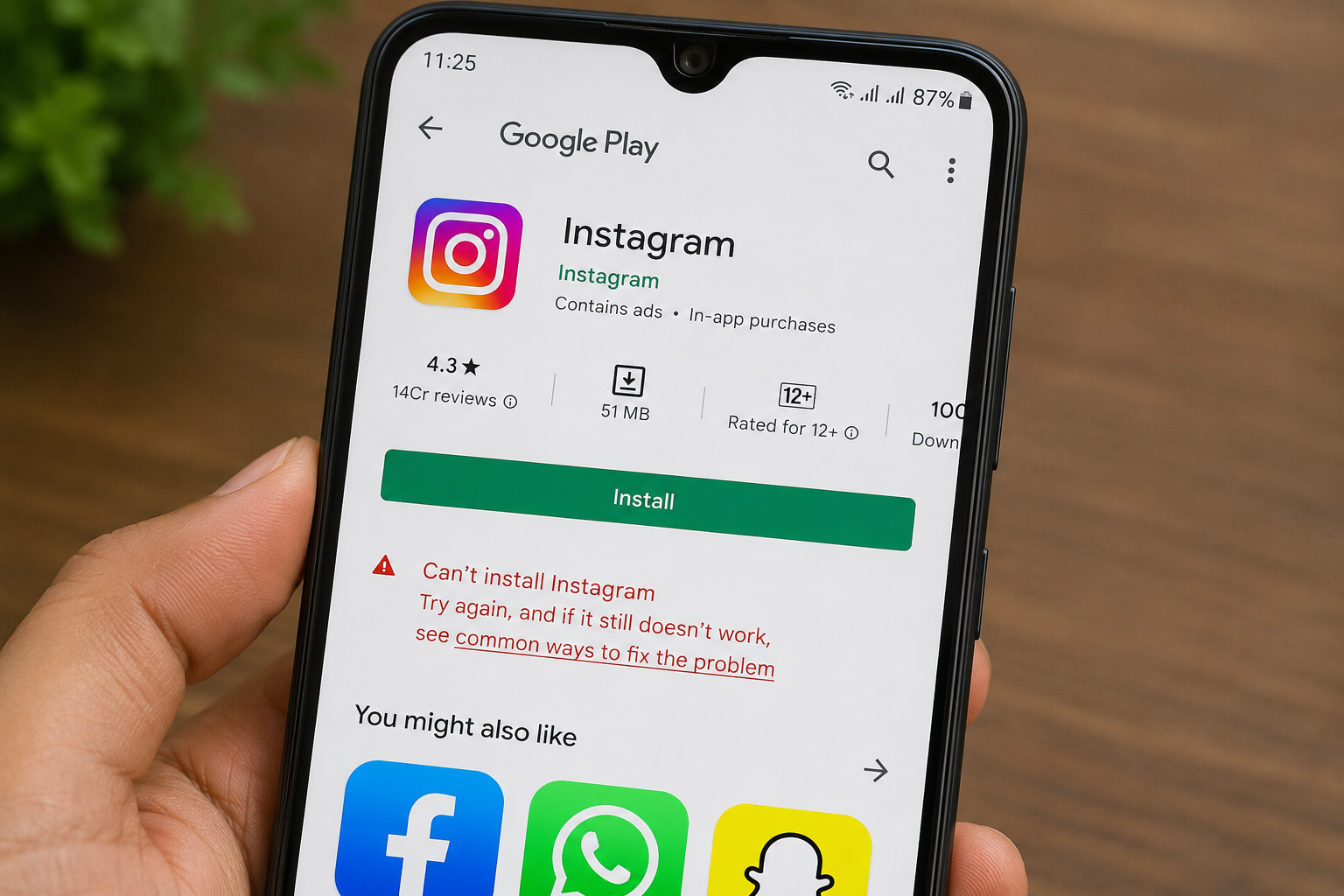
Installing apps has become automatic for most people.
Need photo editing?
Download app.
Need scanner?
Download app.
Need game?
Install app.
The process often takes less than a minute.
Because downloading apps feels normal, many users rarely stop to check details carefully.
This is one reason misleading or fake apps continue affecting people.
The surprising part is:
Suspicious apps do not always look suspicious.
Some copy names, logos, or descriptions similar to trusted applications.
At first glance, they may appear genuine.
Why Users Accidentally Install Fake Apps
Convenience plays a big role.
People search quickly and choose the first result.
Reviews are sometimes ignored.
Permissions are accepted immediately.
This doesn’t necessarily mean users are careless.
Most people simply trust familiar-looking interfaces.
Warning Signs Worth Checking Before Installing Apps
Before downloading unfamiliar apps, checking a few details may help:
- Number of downloads
- User ratings and reviews
- Developer information
- Update history
- Requested permissions
One unusual sign alone may not prove anything.
Several together deserve attention.
App Permissions Can Reveal Important Clues
Ask simple questions:
Why would a flashlight app require extensive permissions?
Why would a calculator need unusual access?
Thinking before approving permissions helps.
Reading Reviews Can Sometimes Prevent Problems
Users often skip reviews because they want faster downloads.
But spending one extra minute reading experiences may provide useful information.
Patterns matter.
Repeated complaints deserve attention.
Final Thoughts
Most app installations happen quickly because people trust the process.
Convenience is useful.
Awareness matters too.
Taking a few extra seconds before installing unfamiliar applications may help avoid unnecessary risks later.
Online safety often begins with habits—not advanced technical knowledge.