Skip to content
needtricks_logo

Need Tricks

Technology Tips and Tricks

  • Home
  • Internet
    • Ad Networks
      • Internet Browser
        • Firefox
        • Opera
        • Safari
      • Internet Explorer
    • Content
      • Chrome
    • Analytics
  • Computer
    • Desktop
    • Laptop
  • General
    • Household
  • Social Networks
    • Facebook
    • Google Plus
    • Twitter
    • Youtube
  • Operating System
    • Apple
    • Android
    • Windows
    • Bada
    • Blackberry
  • Technology
  • Home
  • Cybersecurity
  • 10 Cybersecurity Tips to Protect Your Online Identity

10 Cybersecurity Tips to Protect Your Online Identity

Need Tricks
Cyber Security

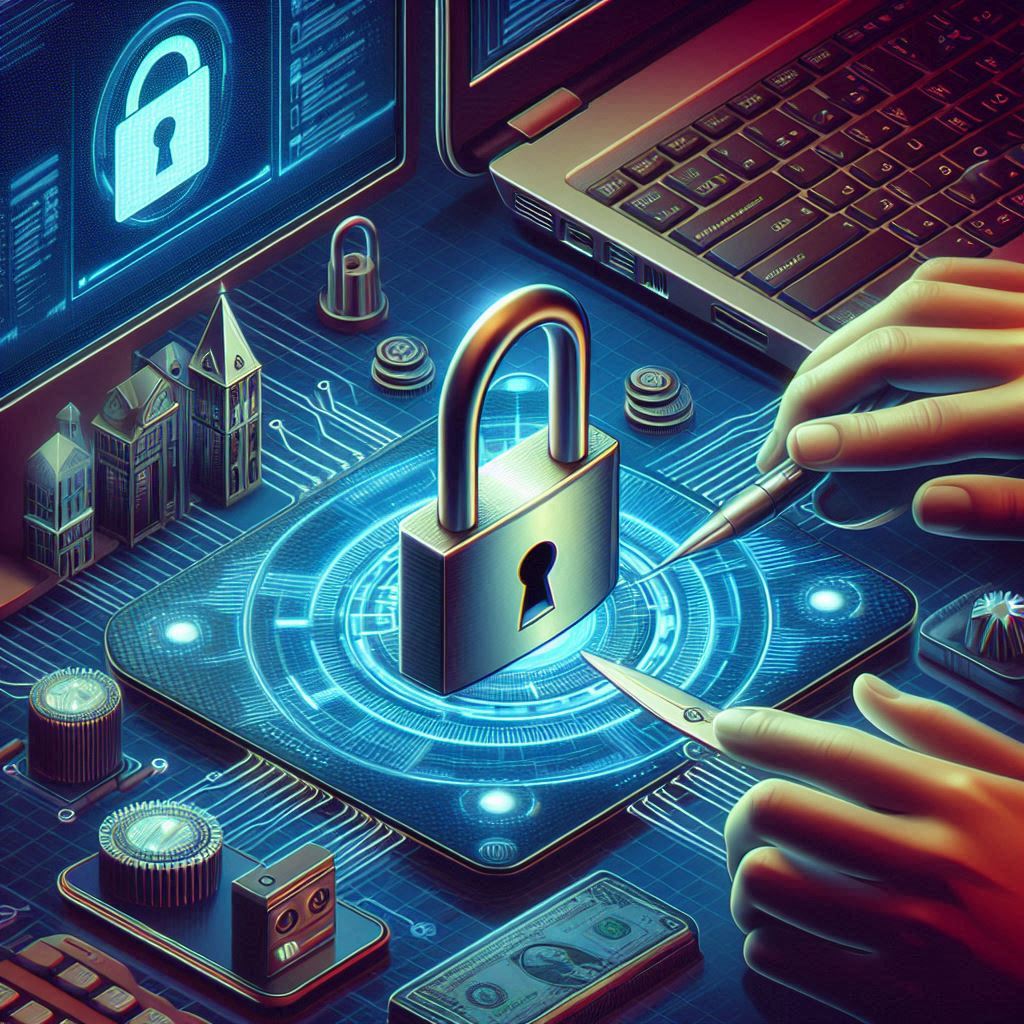
10 Cybersecurity Tips to Protect Your Online Identity. Online identity theft has become increasingly common in today’s digital world. Hackers are continuously finding new ways to gain unauthorized access to personal information and sensitive data.

To protect yourself from these attacks, it’s important to take measures to secure your online identity. In this blog post, we will provide 10 cybersecurity tips to help protect your online identity.

Here is blog on 10 Cybersecurity Tips to Protect Your Online Identity

1.Use Strong Passwords:

  • A strong password is a combination of uppercase and lowercase letters, numbers, and special characters.
  • Don’t use easily guessable passwords such as your date of birth, name, or pet’s name.
  • Instead, use a password manager to generate and store complex passwords.

2.Enable Two-Factor Authentication:

  • Two-factor authentication (2FA) adds an extra layer of security to your online accounts.
  • It requires a second form of identification such as a fingerprint, facial recognition, or a code sent to your phone.

3.Keep Your Software Up to Date:

  • Keep all your software and operating systems up to date with the latest security patches.
  • This includes your antivirus software, web browser, and any other software you use on a regular basis.

4.Be Careful What You Click:

  • Avoid clicking on links or downloading attachments from suspicious emails or websites.
  • Phishing scams are a common tactic used by cybercriminals to steal personal information.

5.Use a VPN:

  • A virtual private network (VPN) encrypts your internet connection and provides a secure connection between your device and the internet.
  • This protects your online activity from prying eyes, especially when using public Wi-Fi.

6.Be Wary of Public Wi-Fi:

  • Public Wi-Fi networks are not secure, and cybercriminals can easily intercept your online activity.
  • Avoid using public Wi-Fi networks to access sensitive information such as your bank account or credit card details.

7.Use a Firewall:

  • A firewall blocks unauthorized access to your computer or network.
  • Enable your firewall to protect your computer from unauthorized access.

8.Don’t Overshare on social media:

  • Be careful about what you share on social media.
  • Don’t share personal information such as your date of birth, address, or phone number.

9.Back Up Your Data:

  • Regularly back up your important data and store it in a secure location.
  • This will help protect your data in case your computer is hacked or stolen.

10.Use a Secure Browser:

  • Use a web browser that is designed to protect your privacy and security.
  • Some examples of secure browsers include Mozilla Firefox and Google Chrome.

Must Read: 5 Amazing facts of Software Engineering

Now here is about Cybersecurity how Cybersecurity helps you.

And here are some types of cyber threats that individuals and organizations need to protect against.

  • Cybersecurity refers to the practice of protecting digital devices, networks, and sensitive information from unauthorized access, theft, or damage.
  • The goal of cybersecurity is to prevent cyberattacks and to ensure that individuals and organizations can use digital devices and networks with confidence.
  • Cybersecurity is a constantly evolving field, as hackers are continually developing new techniques to breach security measures.
  • Cybersecurity experts use a variety of tools and techniques to protect against cyber threats, including firewalls, antivirus software, intrusion detection systems, encryption, and vulnerability assessments.

There are several types of cyber threats that individuals and organizations need to protect against. These include:

Malware:

  • Malware is software that is designed to harm or steal information from digital devices.
  • Malware can be delivered through email attachments, infected websites, or downloaded software.

Phishing:

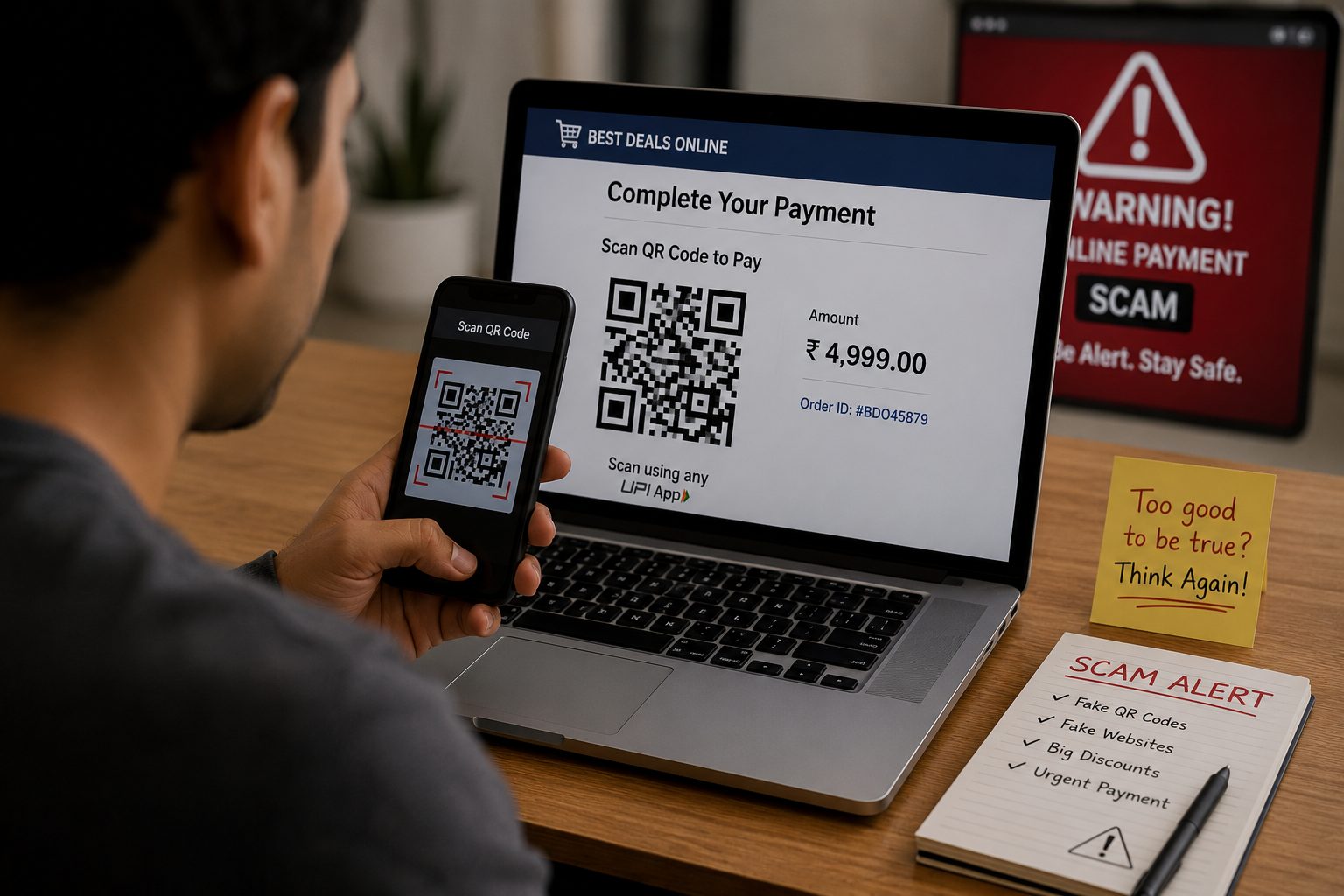
  • Phishing is a social engineering technique that involves tricking individuals into providing sensitive information.
  • Such as passwords or credit card numbers through a fake website or email.

Ransomware:

  • Ransomware is a type of malware that encrypts files on a computer
  • And demands a ransom payment to restore access.

Denial of Service (DoS) Attacks:

  • DoS attacks involve overwhelming a network or server with traffic to render it unusable.

Advanced Persistent Threats (APTs):

  • APTs are sophisticated, targeted attacks that are designed to steal sensitive information or disrupt operations.
Conclusion

Protecting your online identity is essential in today’s digital world. Cyber-attacks and identity theft are becoming more sophisticated, and it’s essential to take proactive measures to secure your personal information and sensitive data. By following the ten cybersecurity tips mentioned in this article, you can help protect yourself from cyber threats and keep your online identity safe.

Using strong passwords, enabling two-factor authentication, keeping your software up to date, being cautious of suspicious links, using a VPN, avoiding public Wi-Fi, using a firewall, being mindful of oversharing on social media, backing up your data, and using a secure browser are all important steps to take to protect your online identity.

Remember, cybersecurity is an ongoing effort, and it’s important to stay informed about the latest cyber threats and to take proactive measures to protect yourself and your information. Stay vigilant, stay secure, and keep your online identity safe.

Share this:

  • Email a link to a friend (Opens in new window) Email
  • Share on Facebook (Opens in new window) Facebook
  • Share on Tumblr (Opens in new window) Tumblr
  • Print (Opens in new window) Print
  • Share on LinkedIn (Opens in new window) LinkedIn
  • Share on Reddit (Opens in new window) Reddit
  • Share on X (Opens in new window) X
  • Share on WhatsApp (Opens in new window) WhatsApp
  • Share on Pinterest (Opens in new window) Pinterest

Like this:

Like Loading…

Related

Cybersecurity
Tagged 10 ways to protect your personal data, 4 ways to protect your privacy online, 5 ways to protect your privacy online, 5 ways to protect yourself online, backupdata, cyberawareness, Cybersecurity, cyberthreats, datasecurity, digitalsecurity, how to protect personal information online, how to protect your privacy online, identityprotection, internetsafety, onlinesecurity, passwords, securebrowsing, socialmedia, VPN, What are 4 ways to protect your privacy online, What are 5 things you can do to protect yourself from identity theft, What are the 3 most important things you do to protect your security online, what can you do to safeguard your account and protect your data, What is the best way to protect your online identity, what should you do to protect your identity on internet

Post navigation

⟵ 5 Amazing Facts of Software Engineering
The Importance of Data Privacy in Today’s Digital World ⟶

Related Posts

top view crowd surrounding wifi signal icon symbol 841543 56446
Why Public WiFi Can Be Risky (And What Most People Ignore)

Have you ever walked into a café, airport, railway station, shopping mall, or hotel and immediately connected to the free…

Share this:

  • Email a link to a friend (Opens in new window) Email
  • Share on Facebook (Opens in new window) Facebook
  • Share on Tumblr (Opens in new window) Tumblr
  • Print (Opens in new window) Print
  • Share on LinkedIn (Opens in new window) LinkedIn
  • Share on Reddit (Opens in new window) Reddit
  • Share on X (Opens in new window) X
  • Share on WhatsApp (Opens in new window) WhatsApp
  • Share on Pinterest (Opens in new window) Pinterest

Like this:

Like Loading…
Opening a Port in the Windows Firewall
Step-by-Step Guide to Opening a Port in the Windows Firewall

Mastering the art of opening a port in the Windows firewall is a valuable skill for anyone managing network connectivity…

Share this:

  • Email a link to a friend (Opens in new window) Email
  • Share on Facebook (Opens in new window) Facebook
  • Share on Tumblr (Opens in new window) Tumblr
  • Print (Opens in new window) Print
  • Share on LinkedIn (Opens in new window) LinkedIn
  • Share on Reddit (Opens in new window) Reddit
  • Share on X (Opens in new window) X
  • Share on WhatsApp (Opens in new window) WhatsApp
  • Share on Pinterest (Opens in new window) Pinterest

Like this:

Like Loading…
Setting Up a Personal VPN for Enhanced Privacy

Setting Up a Personal VPN for Enhanced Privacy”. In today’s digital world, online privacy and security are more important than…

Share this:

  • Email a link to a friend (Opens in new window) Email
  • Share on Facebook (Opens in new window) Facebook
  • Share on Tumblr (Opens in new window) Tumblr
  • Print (Opens in new window) Print
  • Share on LinkedIn (Opens in new window) LinkedIn
  • Share on Reddit (Opens in new window) Reddit
  • Share on X (Opens in new window) X
  • Share on WhatsApp (Opens in new window) WhatsApp
  • Share on Pinterest (Opens in new window) Pinterest

Like this:

Like Loading…

Some Additional Links

  • Home
  • Editorial team information
  • Corrections Policy
  • Ethics Policy
  • Fact checking Policy
  • About us
  • Submit your trick
  • Contact us
  • Terms and Conditions
  • Visitor Post
  • Privacy Policy

Popular Posts

  • online survey form modish digital information collection internet network 31965 233258
    How Much of Your Daily Life Depends on the Internet?
  • charming lucky goodlooking energized young blond caucasian girl blurred stretch hand show camera smartphone display promoting phone application gadget standing white background 176420 55485
    Why New Phones No Longer Feel as Exciting as They Used To
  • protection personal information cookie mascot character with internet web pop up we use cookies policy notification 48369 43246
    Why Do Websites Ask You to Accept Cookies?
  • photo realistic as marketing specialist enjoying relaxing bath concept as marketing specialist e 980716 380138
    Technologies That Quietly Changed Daily Life Without People Noticing
  • negative online review customer feedback smartphone 1169301 3973
    Why We Remember Negative Comments More Than Positive Ones Online
  • computer network storage center hub graphic 53876 124460
    Why Your Computer Storage Fills Up Even When You Don’t Download Anything
  • man asks question artificial intelligence bot chatbot form cute robot 681307 158
    Why AI Sometimes Gives Different Answers to the Same Question
  • troubleshooting wi fi connection problems 901003 185104
    What Happens When a Website Goes Offline?
  • stylized low battery logo vector illustration vector illustration 1149116 22486
    Why Do Some Apps Drain Battery Faster Than Others?
Follow Us
  • Facebook
  • Twitter
  • Instagram
  • YouTube
  • LinkedIn
  • Pinterest
  • Quora
Quick Links
  • Home
  • Editorial team information
  • Corrections Policy
  • Ethics Policy
  • Fact checking Policy
  • About us
  • Submit your trick
  • Contact us
  • Terms and Conditions
  • Visitor Post
  • Privacy Policy
Copyright © 2026 Need Tricks | Extensive News by Ascendoor | Powered by WordPress.
%d