
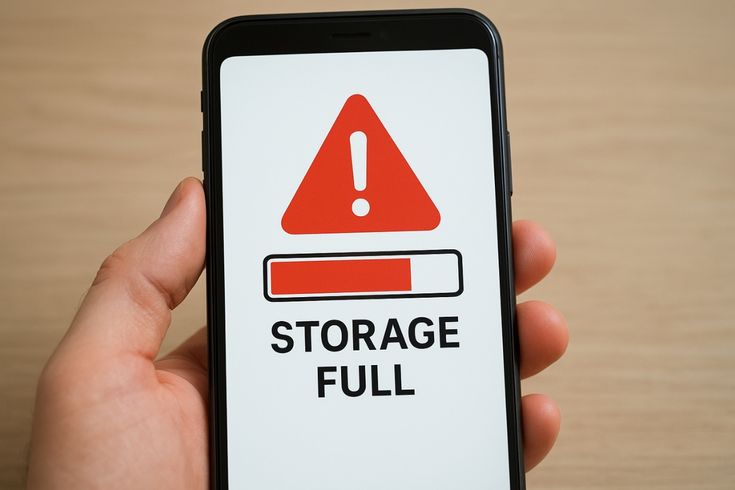
You delete dozens of photos.
Remove old videos.
Uninstall apps you no longer use.
Then you check storage again.
To your surprise, the phone still says:
Storage Almost Full
At this point, many users become frustrated.
The obvious question is:
Why is my phone storage still full after deleting files?
This is one of the most common smartphone issues today.
The reason is that deleted files are often only a small part of what’s actually consuming storage.
Modern smartphones store much more data behind the scenes than most people realize.
Let’s understand what’s happening.
Deleted Files May Still Be in the Trash Folder
Many phones now include a recycle bin or recently deleted folder.
When you delete photos or videos, they aren’t always removed immediately.
Instead, they remain stored for a period of time.
This allows users to recover accidentally deleted files.
The downside is that storage space may not be released right away.
Checking the trash folder can often free additional storage.
Apps Create Hidden Data
Applications generate various types of data.
Examples include:
- Cache files
- Temporary files
- Downloaded content
- User settings
Over time this hidden data can become surprisingly large.
Some apps consume several gigabytes without users realizing it.
WhatsApp Is Often a Major Contributor
Many Android users discover that WhatsApp occupies significant storage.
The app stores:
- Photos
- Videos
- Voice notes
- Documents
- Forwarded media
Even after deleting some files, backups and cached content may remain.
System Files Continue Growing
Your operating system requires storage too.
Updates, logs, and system resources gradually consume additional space.
Users cannot always see these files directly, but they still affect available storage.
Cloud Services Can Cause Confusion
Many people use cloud storage platforms.
Sometimes files appear deleted locally while copies remain synchronized elsewhere.
In other situations, local copies continue occupying storage despite cloud backups.
Understanding synchronization settings can help avoid confusion.
Why Storage Problems Affect Performance
Low storage can impact:
- App performance
- System updates
- Camera functionality
- Overall responsiveness
This is why storage management remains important even on modern smartphones.
Simple Ways to Free Storage
✔ Empty recently deleted folders
✔ Clear app cache
✔ Remove unused apps
✔ Delete duplicate files
✔ Review large media folders
✔ Transfer files to external storage
✔ Use cloud backups carefully
Conclusion
If you’ve ever wondered why your phone storage shows full after deleting files, the answer often lies in hidden data, cached content, system files, and storage management features working behind the scenes.
Understanding these factors can help you recover valuable space and keep your smartphone running smoothly without unnecessary frustration.


