Creating a website is only the first step toward gaining online visibility. If your pages are not indexed by Google, they will not appear in search results, making it difficult for users to find your content.
Many website owners publish quality articles and optimize their sites but still struggle with indexing issues. Understanding how Google’s indexing process works can help identify and fix the problem.
What Does Google Indexing Mean?
Indexing is the process by which Google discovers, analyzes, and stores web pages in its database.
Once a page is indexed:
- It becomes eligible to appear in search results.
- Google can rank it for relevant keywords.
Without indexing, a page remains invisible in Google Search.
Why Websites Fail to Get Indexed
Common reasons include:
- New website launch
- Crawl restrictions
- Technical SEO errors
- Poor content quality
- Missing sitemap
- Manual indexing delays
Most indexing issues are fixable.
Your Website Is New
New websites often require time before Google fully indexes them.
Factors influencing indexing speed include:
- Website authority
- Internal linking
- Content quality
- Crawl frequency
Patience is sometimes necessary.
Check Robots.txt Settings
A misconfigured robots.txt file can block Google from accessing pages.
If important sections are restricted:
- Crawling may fail.
- Pages may never enter Google’s index.
Review crawl permissions carefully.
Verify Noindex Tags
Some websites accidentally apply “noindex” instructions.
These tags explicitly tell Google:
“Do not index this page.”
Checking page settings is essential.
Submit an XML Sitemap
A sitemap helps Google discover content more efficiently.
Benefits include:
✔ Faster crawling
✔ Better page discovery
✔ Improved indexing coverage
Most SEO plugins generate sitemaps automatically.
Improve Internal Linking
Internal links help search engines find pages.
Benefits include:
- Better crawlability
- Improved user navigation
- Faster content discovery
Pages with no internal links are harder for search engines to find.
Publish High-Quality Content
Google prioritizes valuable content.
Focus on:
- Original information
- Helpful solutions
- Comprehensive guides
- User intent satisfaction
Thin content may struggle to get indexed.
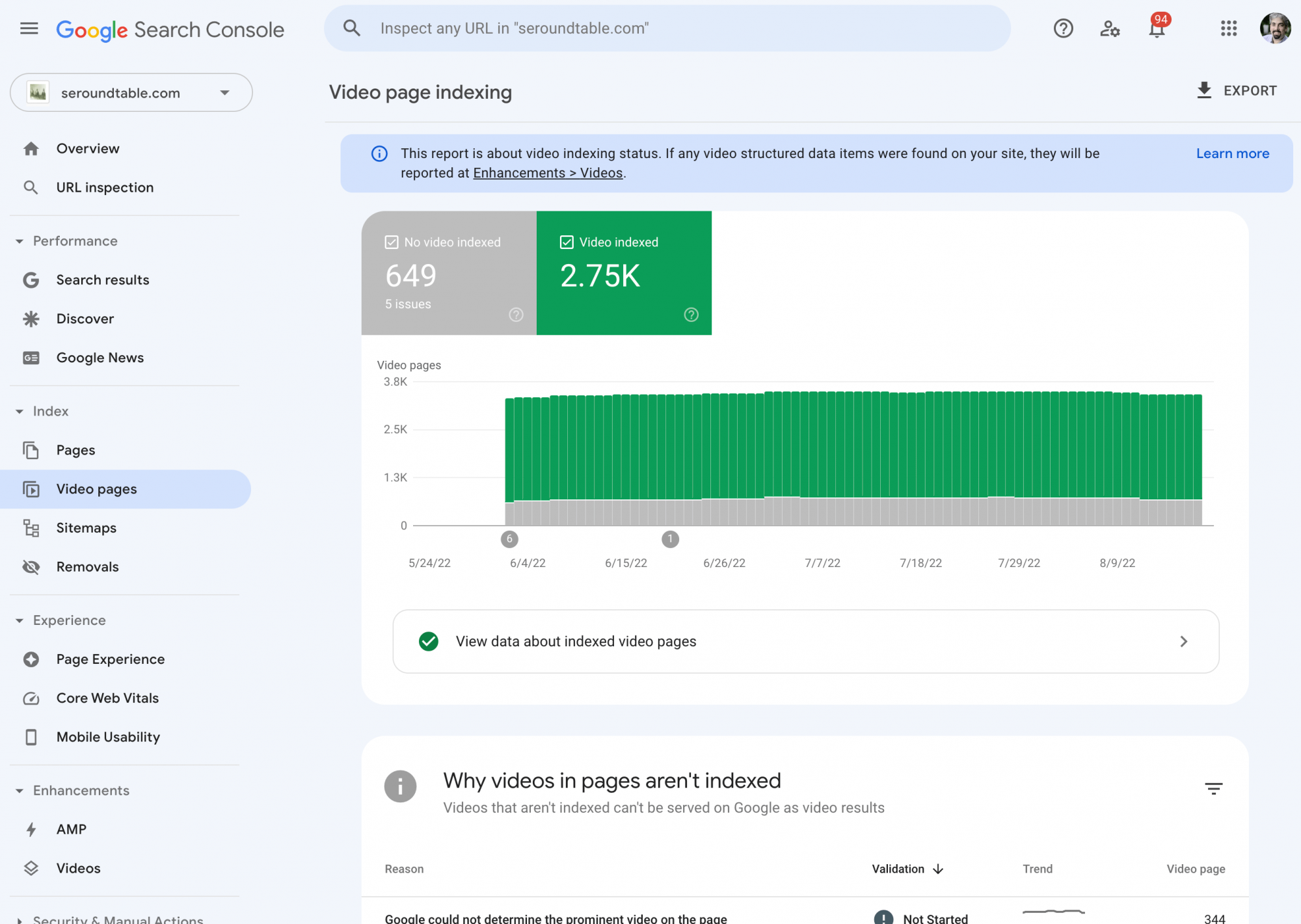
Check Google Search Console
Search Console provides valuable indexing information.
You can identify:
- Crawling errors
- Coverage issues
- Indexing status
- Sitemap problems
Regular monitoring is highly recommended.
Improve Page Speed
Slow websites may experience crawling limitations.
Performance improvements help:
✔ User experience
✔ Search engine crawling
✔ Overall SEO
Avoid Duplicate Content
Duplicate pages can confuse search engines.
Potential issues include:
- Similar articles
- Repeated descriptions
- Multiple URLs for the same content
Unique content improves indexing opportunities.
Getting Your Website Indexed Successfully
Most indexing problems stem from technical SEO errors, crawl restrictions, poor content quality, or missing sitemap submissions. By addressing these issues and providing valuable content, website owners can improve indexing rates and search visibility.
Regular monitoring through Google Search Console and ongoing SEO maintenance help ensure that new pages are discovered and indexed efficiently.