
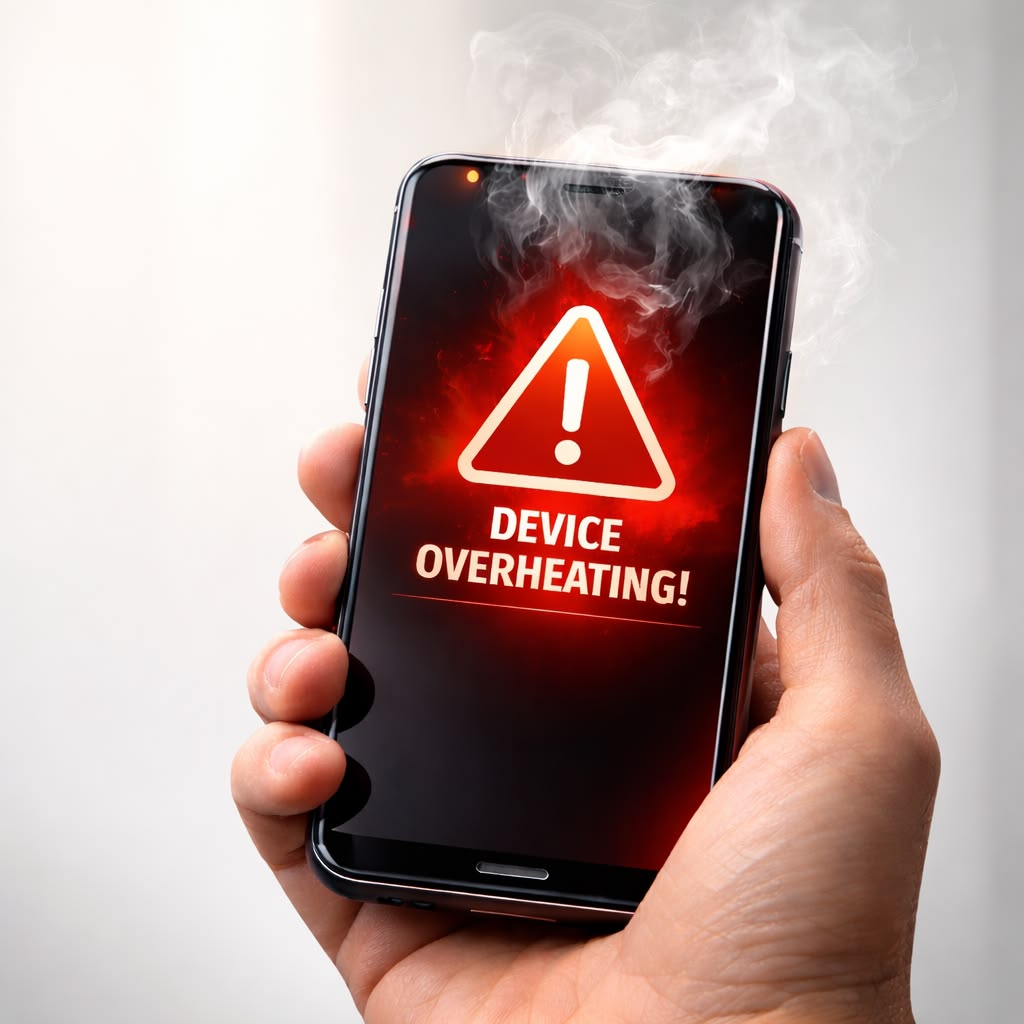
Smartphones naturally become warm during use, but excessive heat can indicate a problem. If your phone frequently overheats while charging, gaming, browsing, or using apps, it’s important to identify the cause.
Overheating can affect:
- Battery life
- Performance
- Charging speed
- Device longevity
Let’s explore why phones overheat and how to reduce temperatures safely.
Why Do Phones Overheat?
Common causes include:
- Heavy app usage
- Gaming
- Fast charging
- Direct sunlight
- Background apps
- Software issues
Some heat is normal, but excessive heat should be addressed.
Too Many Apps Running
Apps running in the background consume:
- Processor resources
- Memory
- Battery power
This extra workload generates heat.
Closing unused apps can reduce temperature.
Gaming and High Performance Tasks
Modern games require significant processing power.
Extended gaming sessions often lead to:
- Increased CPU usage
- Increased GPU activity
- Higher temperatures
Taking short breaks can help cool the device.
Charging Issues
Heat during charging may be caused by:
- Fast charging
- Damaged chargers
- Low-quality cables
Always use trusted charging accessories.
Exposure to Direct Sunlight
Leaving a phone:
- In a car
- Near windows
- Outdoors in hot weather
can quickly raise internal temperatures.
Avoid prolonged exposure to direct sunlight.
Software Bugs
Certain apps may become stuck in loops or consume excessive resources.
Symptoms include:
- Rapid battery drain
- Device heating
- Poor performance
Software updates often resolve these issues.
Background Synchronization
Continuous syncing of:
- Photos
- Emails
- Cloud storage
can increase processor activity and heat generation.
Remove Unnecessary Cases
Thick phone cases sometimes trap heat.
Removing the case temporarily can improve airflow and cooling.
Update Apps and Software
Updates frequently contain:
✔ Performance improvements
✔ Bug fixes
✔ Battery optimizations
Keeping software current helps reduce overheating problems.
How to Cool Down an Overheating Phone
Safe methods include:
✔ Move to a cooler location
✔ Reduce screen brightness
✔ Close unused apps
✔ Turn off unused features
✔ Pause intensive activities
Avoid placing phones in refrigerators or freezers, as sudden temperature changes can damage components.
Preventing Future Overheating
Helpful habits:
✔ Avoid overcharging
✔ Use quality chargers
✔ Limit heavy multitasking
✔ Keep software updated
✔ Protect devices from excessive heat
Protecting Your Phone from Heat Damage
Occasional warmth is normal, but frequent overheating should not be ignored. Excessive heat can reduce battery lifespan, slow performance, and potentially damage internal components.
By identifying the cause and following good device maintenance practices, you can keep your phone running efficiently and extend its overall lifespan.


