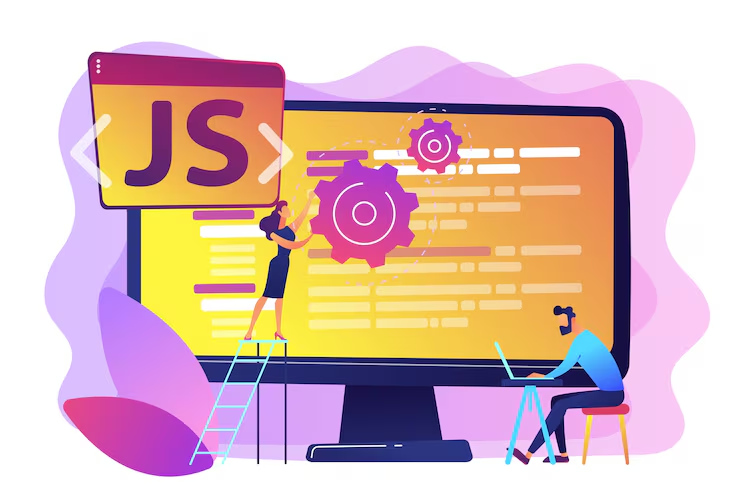
If you want to enter the world of web development in 2026, there’s one skill you simply cannot ignore—JavaScript.
It is the backbone of modern websites and web applications. From simple animations to complex platforms like Netflix or Instagram, JavaScript is everywhere.
The best part?
👉 You can learn it in just 30 days with the right roadmap.
In this guide, you’ll learn:
- What JavaScript is
- Why it’s important
- A complete 30-day learning plan
- Resources, tools, and practice methods
- How to start earning after learning
🤔 What is JavaScript?
JavaScript is a programming language used to make websites interactive.
📌 Examples:
- Button click actions
- Form validation
- Animations
- Dynamic content
👉 Without JavaScript, websites would be boring and static.
🌐 Why Learn JavaScript in 2026?
✔️ High Demand Skill
✔️ High Salary Opportunities
✔️ Freelancing & Remote Jobs
✔️ Works with Frontend & Backend
👉 It’s one of the most powerful skills you can learn today.
🎯 What You Need Before Starting
You don’t need much:
- Basic computer knowledge
- Internet connection
- Laptop/PC
👉 No coding background required.
🚀 30-Day JavaScript Roadmap
📅 Week 1: Basics (Foundation Strong Banao)
🔹 Day 1–2: Introduction
- What is JavaScript
- How it works
👉 Practice:
🔹 Day 3–4: Variables & Data Types
- var, let, const
- Strings, numbers, boolean
🔹 Day 5–6: Operators & Conditions
- +, -, *, /
- if-else
🔹 Day 7: Practice Day
👉 Small programs likho
📅 Week 2: Core Concepts
🔹 Day 8–9: Functions
Reusable code blocks
🔹 Day 10–11: Arrays & Objects
Data store karna seekho
🔹 Day 12–13: Loops
- for
- while
🔹 Day 14: Mini Project
👉 Calculator banao
📅 Week 3: DOM & Events
🔹 Day 15–16: DOM Basics
HTML ko control karna
🔹 Day 17–18: Events
- Click
- Hover
🔹 Day 19–20: Form Handling
🔹 Day 21: Project
👉 To-do list app
📅 Week 4: Advanced + Real Projects
🔹 Day 22–23: ES6 Features
- Arrow functions
- Template literals
🔹 Day 24–25: API & Fetch
Data fetch karna
🔹 Day 26–27: Error Handling
🔹 Day 28–30: Final Project
👉 Build:
- Weather app
- Portfolio website
🧠 Best Tools for Learning
🔹 Editors:
- Visual Studio Code
🔹 Browser:
- Google Chrome
📚 Best Free Resources
- YouTube tutorials
- Documentation
- Practice websites
💡 Practice Ideas
- Calculator
- Quiz app
- To-do list
- Weather app
💰 How to Earn After Learning JavaScript
💻 Freelancing
Platforms:
- Fiverr
- Upwork
👉 Services:
- Website development
- Bug fixing
🌐 Web Development
Build websites for clients
📱 Build Projects
Sell templates or apps
🎯 Internship / Job
Apply for junior developer roles
📈 Growth Path
Beginner → Intermediate → Advanced
👉 Next learn:
- React
- Node.js
❌ Common Mistakes
- ❌ Only watching tutorials
- ❌ No practice
- ❌ Skipping basics
- ❌ Giving up early
🔥 Pro Tips
✔️ Code daily
✔️ Build projects
✔️ Debug errors
✔️ Stay consistent
📊 Real Timeline
- 30 days → Basic understanding
- 3 months → Intermediate
- 6 months → Job-ready
🏁 Conclusion
Learning JavaScript in 2026 is one of the smartest decisions you can make.
👉 High income
👉 Career growth
👉 Freelancing opportunities
Start today and transform your future.